EasyManua.ls Logo

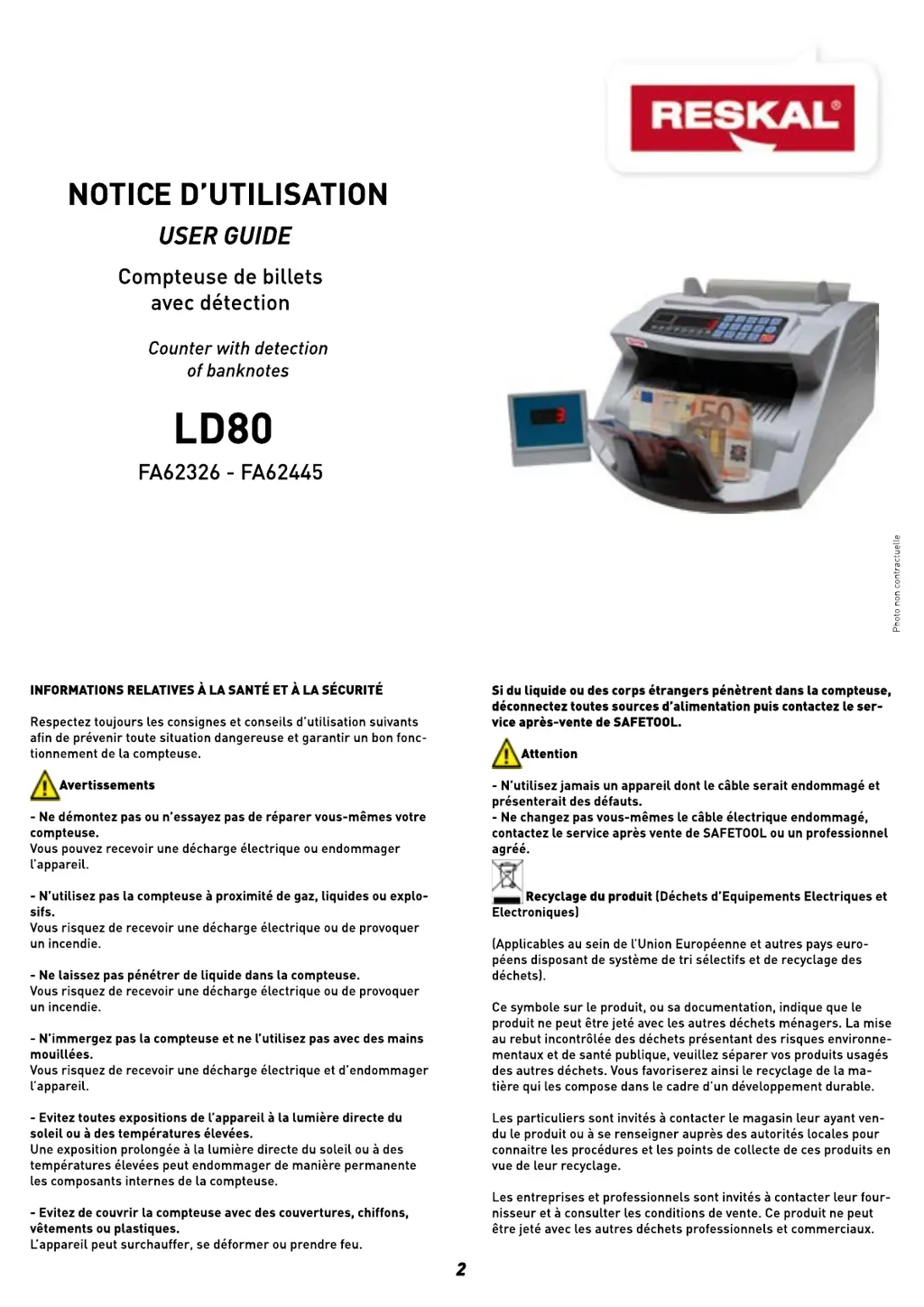
RESKAL LD80 - User Manual

RESKAL LD80
8 pages
Print Icon
To Next Page IconTo Next Page
Loading...

Questions and Answers

  • H
    Hannah HendersonSep 7, 2025
    What to do if my RESKAL Banknote Counter is on but not working?
    • B
      Brett ChandlerSep 7, 2025
      If your RESKAL Banknote Counter has power but isn't working, the issue might be: * The hopper sensor is dirty, clean it with a brush. * The hopper sensor line is not well connected, connect the hopper sensor line to the main board. * The belt is too loose or tight, adjust the belt.
  • J
    jessicamillerAug 22, 2025
    What to do if my RESKAL LD80 shows EE1 error?
    • C
      Carlos MorganAug 22, 2025
      If your RESKAL Banknote Counter displays error code EE1, it means the UV sensor has detected a suspicious currency. Remove the indicated bill from the stacker and press the RESET button to continue.
  • E
    Edgar SheltonSep 4, 2025
    What to do if my RESKAL LD80 shows EEB error?
    • M
      michaelliSep 4, 2025
      If your RESKAL Banknote Counter displays error code EEB, it means a broken currency has been detected. Remove the indicated bill from the stacker and press the RESET button to continue.
  • L
    lindsaywrightSep 3, 2025
    What does error EE6 mean on RESKAL LD80?
    • J
      Jason VasquezSep 3, 2025
      If your RESKAL Banknote Counter displays error code EE6, it means a suspicious currency with a different magnetic location is being checked. Remove the indicated bill from the stacker and press the RESET button to continue.
  • J
    Jason BowersSep 2, 2025
    What to do if my RESKAL LD80 Banknote Counter counts two bills as one?
    • J
      jenniferfigueroaSep 2, 2025
      If your RESKAL Banknote Counter counts two bills as one, it indicates inaccurate counting. To resolve this, tighten the adjustable screw clockwise.
  • M
    Marc MackAug 31, 2025
    What does EEA error mean on RESKAL LD80?
    • M
      Mark HernandezSep 1, 2025
      If your RESKAL Banknote Counter displays error code EEA, it means a chain currency has been detected. Remove the indicated bill from the stacker and press the RESET button to continue.
  • C
    conradmichaelAug 30, 2025
    What to do if my RESKAL LD80 shows EE7 error?
    • K
      Kaitlyn WrightAug 30, 2025
      If your RESKAL Banknote Counter displays error code EE7, it means a slanting currency has been detected. Remove the indicated bill from the stacker and press the RESET button to continue.
  • L
    lfryAug 29, 2025
    Why my RESKAL LD80 has no power?
    • T
      thomasjohnsonAug 29, 2025
      If your RESKAL Banknote Counter has no power, check the following: * Ensure the power line cord is properly connected. * Check if the fuse is worn out. * Verify that the power switch is turned on.
  • M
    Madison SnyderAug 27, 2025
    What does EE4 error mean on my RESKAL Banknote Counter and how to fix it?
    • M
      Melanie AndersonAug 27, 2025
      If your RESKAL Banknote Counter displays the EE4 error, it means the left or right counting sensor is either dirty or broken. Remove the suspicious currency from the stacker, press the RESET button, and then clean or replace the sensor.
  • A
    Andrew WilkersonAug 27, 2025
    Why is my RESKAL Banknote Counter counting wrong?
    • K
      Kayla MorenoAug 27, 2025
      If your RESKAL Banknote Counter is counting incorrectly, try the following: * Turn the screw clockwise to increase the friction. * Clean the counting sensor. * Replace the six rubber wheels if they are worn out.

Summary

Health and Safety Information

Warnings and Cautions

Essential safety precautions and warnings for preventing dangerous situations and ensuring safe operation.

Product Disposal Guidelines

Instructions for environmentally responsible disposal of electronic waste.

Model-Specific Controls and Functions

Model Detection Overview

Identifies specific keys and indicators for different bill counter models.

General Operational Instructions

Safety Guidelines

Counting Operations

Bill Counting Process

Step-by-step guide to accurately count banknotes using the machine.

Addition and Batch Counting

Utilizing addition and batch features for cumulative and preset counting.

Counterfeit Detection Methods

UV and MG Detection

Explains counterfeit detection using Ultraviolet (UV) and Magnetic (MG) technologies.

Double, Half, and Chain Note Detection

How the machine detects stacked, torn, or linked banknotes.

Error Message Troubleshooting

Hopper and Feeding Adjustment

Machine Maintenance and Cleaning

Technical Specifications

Machine Controls and Display Overview

Keyboard and Indicator Guide

Identifies the purpose of each key and indicator on the control panel.

Powering Up the Device

RESKAL LD80 Specifications

General IconGeneral
BrandRESKAL
ModelLD80
CategoryBanknote Counter
LanguageEnglish