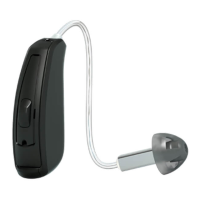
Getting started: On/O function
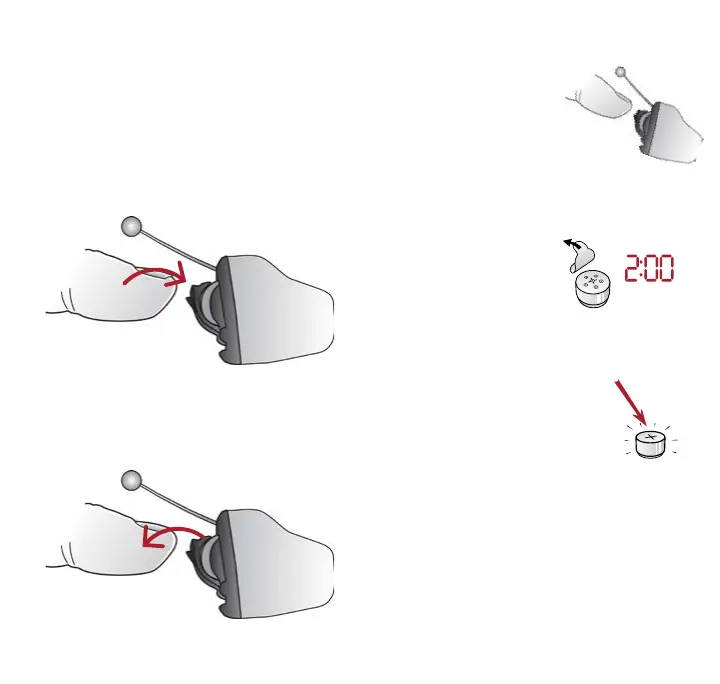
ON: Insert battery & completely
close battery door (B).
Program 1 will be active.
OFF: Open the battery door (B). Use
fingertip to pull it all the way.
ON
OFF
What you need to know
Inserting/Replacing the battery:
1. Open the battery
door (B) completely
by using your fingertip.
2. Remove protective sticker from
battery and wait 2 minutes before
inserting the
battery into the
hearing aid to
allow full activation of the battery.
3. Insert the new battery
with the positive side
(flat side) in the correct
position facing out.
4. Gently close the battery door. If it
doesn’t close easily, check to see
if the battery is upside down.



 To Next Page
 Loading...