EasyManua.ls Logo

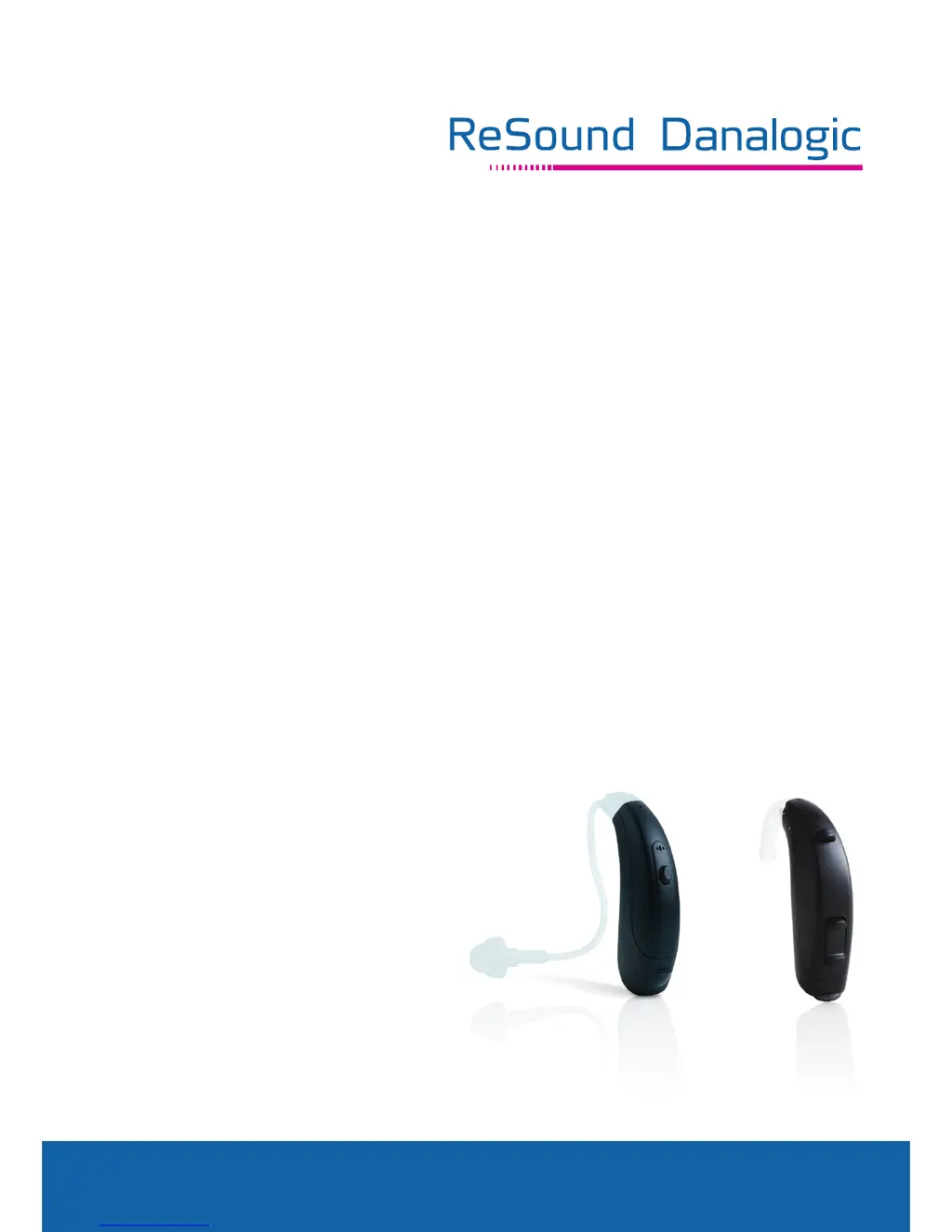
ReSound Standard Tube - User Manual

ReSound Standard Tube
36 pages
Print Icon
To Next Page IconTo Next Page
Loading...
www.danalogic-ifit.com
User Guide
Behind-The-Ear (BTE) Models:
Standard Tube
Thin Tube

Questions and Answers

  • E
    Edward BoydAug 17, 2025
    Why is my ReSound Standard Tube Hearing Aid not loud enough?
    • M
      Mary MedinaAug 17, 2025
      If your ReSound Hearing Aid isn't loud enough, several factors could be at play. First, ensure the earmould is correctly inserted; if not, reinsert it. A blocked earmould or dome can also reduce loudness; try cleaning the earmould or replacing the dome or filter. If the sound outlet filter is blocked, change it. Also, make sure the volume isn't set too low by adjusting the volume control. If these steps don't help, or you suspect a change in hearing sensitivity or excessive ear wax, it's best to consult with your physician or hearing care professional.
  • M
    Mike MartinAug 19, 2025
    How to fix ReSound Standard Tube with no sound?
    • K
      Kevin ButlerAug 20, 2025
      If your ReSound Hearing Aid produces no sound, try the following: First, ensure the hearing aid is turned on by closing the battery door. If it's still not working, replace the battery or ensure it's properly inserted. Also, check for blockages by cleaning the earmould or tube. Finally, the wax filter may need replacing; if so, replace it or consult your hearing care professional.
  • G
    gary45Aug 23, 2025
    Why is my ReSound Standard Tube Hearing Aid whistling?
    • J
      John NguyenAug 23, 2025
      Excessive whistling or feedback in your ReSound Hearing Aid can be caused by several factors: * Incorrect earmould or dome placement. * Excessive ear wax. * Feedback control needing adjustment. * Worn or damaged earmould tubing. * Loose thin tube connection. * Non-optimal hearing instrument settings. Consider changing the thin tube if needed.
  • K
    kelliericksonAug 26, 2025
    What to do if my ReSound Hearing Aid has no sound?
    • P
      Paul KerrAug 26, 2025
      If your ReSound Hearing Aid has no sound, try the following: ensure the hearing aid is turned on by closing the battery door, replace the battery, and make sure the battery is inserted properly. Also, clean the earmold or tube and replace the wax filter. If the problem persists, consult your hearing care professional.
  • P
    Paul MartinezAug 28, 2025
    Why does my ReSound Standard Tube Hearing Aid have excessive whistling / feedback?
    • N
      nsullivanAug 28, 2025
      Excessive whistling or feedback in your ReSound Hearing Aid can often be resolved. Make sure the earmould or dome is correctly inserted; if not, re-insert it carefully. If the problem persists, you may have excessive ear wax. In this case, consult your hearing care professional. If the earmould tubing is worn or damaged, consider changing the thin tube. For loose thin tube connections or if hearing instrument settings are not optimal, consult your hearing care professional.
  • N
    Natalie WeberAug 30, 2025
    What to do if ReSound Standard Tube is not loud enough?
    • L
      Lori PierceAug 31, 2025
      If your ReSound Hearing Aid isn't loud enough, it could be due to: * Incorrect earmould placement. * Blocked earmould or dome. * Blocked sound outlet filter. * A change in hearing sensitivity. * Excessive ear wax. * Volume set too low. If available, try increasing the volume control.
  • D
    Dean TurnerSep 2, 2025
    What to do if wireless does not work on ReSound Standard Tube Hearing Aid?
    • W
      William BaileySep 2, 2025
      If the wireless function on your ReSound Hearing Aid isn't working, it might be because the device is in flight mode. For devices with a push button, try opening and closing the battery compartment.
  • C
    Christina DavisSep 5, 2025
    How to stop excessive whistling/feedback in my ReSound Standard Tube?
    • M
      Miguel ColemanSep 5, 2025
      Excessive whistling or feedback in your ReSound Hearing Aid can occur due to several reasons. Make sure the earmold or dome is correctly placed in your ear by re-inserting it carefully. If there is excessive ear wax, consult your hearing care professional. Other causes could be worn or damaged earmold tubing (change the thin tube) or loose thin tube connection, in which case you should consult your hearing care professional. Also, the hearing instrument settings might not be optimal, or the feedback control may need adjustment, so it is best to consult your hearing care professional.
  • M
    Matthew ReeseSep 8, 2025
    What to do if ReSound Hearing Aid sound distorted / not clear?
    • E
      erin22Sep 8, 2025
      If the sound from your ReSound Hearing Aid is distorted or unclear, the first step is to replace the battery, as a weak battery can often cause this issue. If replacing the battery doesn't resolve the problem, consult your hearing care professional for further assistance, as the issue could be due to an improper earmould or dome fit, damage to the hearing instrument, or non-optimal hearing instrument settings.
  • C
    Cory CoxSep 12, 2025
    Why is the sound distorted on my ReSound Standard Tube?
    • D
      Donna FernandezSep 12, 2025
      Distorted or unclear sound in your ReSound Hearing Aid may be due to: * A weak battery. * Improper earmould or dome fit. * A damaged hearing instrument. * Non-optimal hearing instrument settings.

Summary

Getting Started

On & Off Function

Instructions for turning the hearing instrument on and off using the battery door.

Low Battery Indicator

Inserting Hearing Instruments

Insertion with Thin Tubes and Domes

Removing Hearing Instruments

Operation of the Hearing Instrument

Push Button Operation

Flight Mode for Wireless Devices

Tinnitus Sound Generator

Important Notice to Prospective Users

Critical medical evaluation advice before using the Tinnitus Sound Generator.

Prescription Use for Sound Generator Users

General Warnings and Precautions

Technical Specifications

Care and Maintenance

Cleaning Earmoulds

Cleaning Thin Tubes and Domes

How to Apply Domes

Wireless Device Precautions

General Safety Warnings

Troubleshooting Guide

No Sound Issues

Troubleshooting steps for when the hearing instrument produces no sound.

Low Volume Issues

Troubleshooting steps for when the hearing instrument volume is too low.

Whistling;Feedback Issues

Troubleshooting steps for excessive whistling or feedback from the hearing instrument.

Sound Distortion Issues

Troubleshooting steps for distorted or unclear sound from the hearing instrument.

Wireless Connectivity Issues

Troubleshooting steps for when wireless functionality is not working.

Technical Data

Repairs and Servicing

Environmental Handling Information

ReSound Standard Tube Specifications

General IconGeneral
BrandReSound
ModelStandard Tube
CategoryHearing Aid
LanguageEnglish

Related product manuals