EasyManua.ls Logo

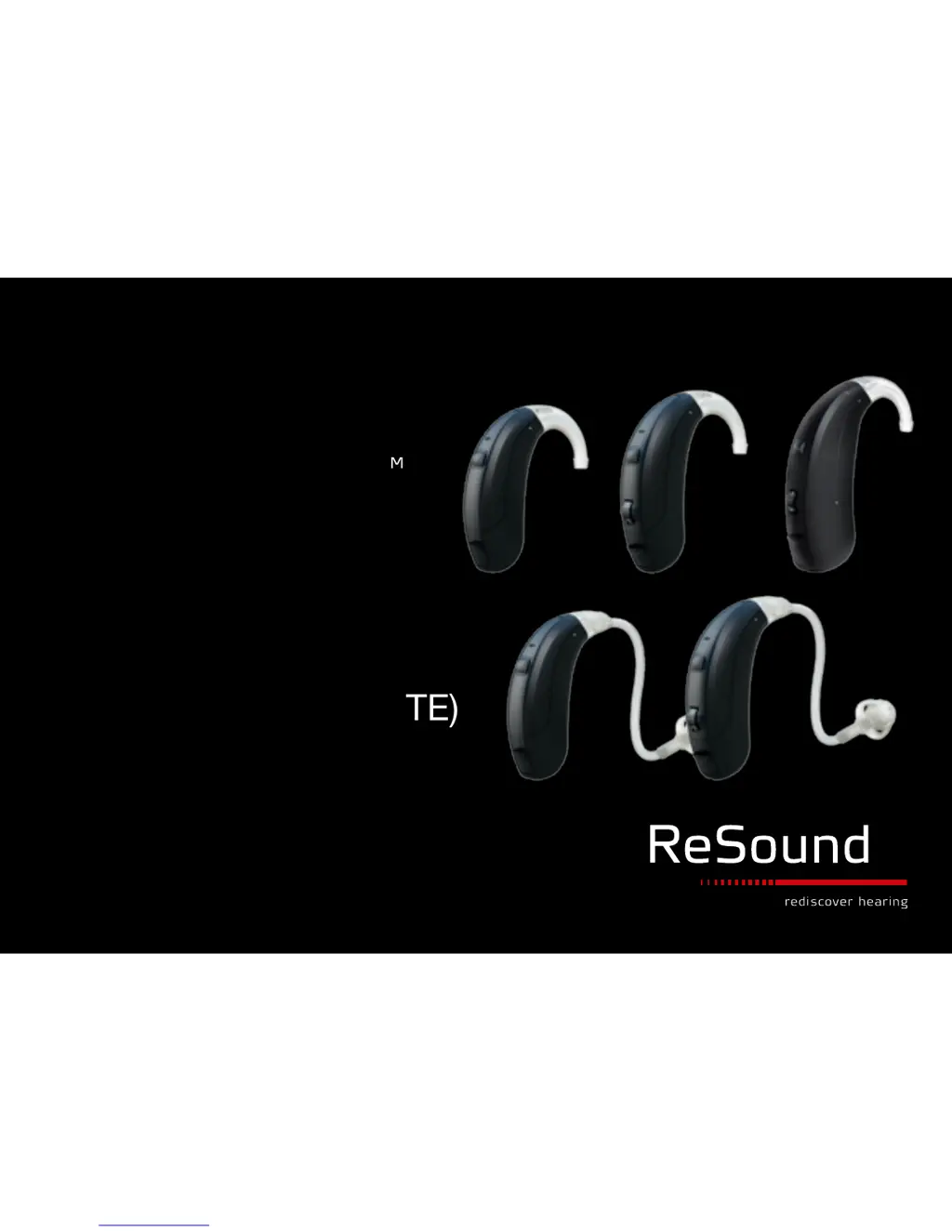
ReSound Vea - User Manual

ReSound Vea
23 pages
Print Icon
To Next Page IconTo Next Page
Loading...
NON WIRELESS
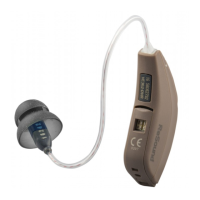
BEHIND-THE-EAR (BTE)
USER GUIDE
ReSound Vea
TM
ReSound Magna
TM

Other manuals for ReSound Vea

Questions and Answers

  • D
    Dana GutierrezAug 13, 2025
    Why does my ReSound Vea whistle or have feedback?
    • B
      Barbara GreenAug 13, 2025
      Excessive whistling or feedback in your ReSound Hearing Aid can occur due to several reasons. It might be caused by incorrect placement of the earmold or dome; in such cases, carefully re-insert the earmold or dome. If the issue persists, the cause may be worn or damaged earmold tubing. Consider changing the thin tube. For excessive ear wax, feedback control needing adjustment, a loose thin tube connection, or non-optimal hearing instrument settings, consult your hearing care professional.
  • E
    eric14Aug 16, 2025
    How to troubleshoot no sound on ReSound Vea?
    • B
      bensonjoeAug 16, 2025
      If your ReSound Hearing Aid produces no sound, there might be several reasons: * The device might not be turned on. To resolve this, ensure the device is on by closing the battery door. * The battery may be dead, in which case you should replace it with a new one. * The battery door might not be closing properly because the battery isn't correctly inserted. Make sure the battery is properly inserted. * The earmold or tube could be blocked. In this case, clean the earmold or tube.
  • C
    Cassandra ShawAug 20, 2025
    Why is my ReSound Hearing Aid not loud enough?
    • P
      patrick60Aug 20, 2025
      If your ReSound Hearing Aid isn't loud enough, it could be due to several factors. First, ensure the earmold is correctly placed; if not, reinsert it. Check for blockages in the earmold or dome and clean the earmold, replace the dome, or replace the filter if necessary. Also, a blocked sound outlet filter can cause this issue, so change the filter or consult your hearing care professional. If the volume is set too low, increase it if possible, or consult your hearing care professional. Other causes might include a change in your hearing sensitivity or excessive ear wax, in which case you should consult your physician or hearing care professional, respectively.
  • B
    Benjamin NicholsAug 25, 2025
    How to fix ReSound Vea Hearing Aid with no sound?
    • M
      Michael HortonAug 25, 2025
      If your ReSound Hearing Aid has no sound, there are several potential reasons. Ensure the hearing aid is turned on by closing the battery door. If it still doesn't work, the battery may be dead; replace it with a new one. Also, check if the battery door closes correctly; if not, insert the battery properly. Finally, a blocked earmold or tube can cause this issue, so clean the earmold or tube.
  • M
    Megan KochAug 27, 2025
    Why is the sound distorted on my ReSound Vea?
    • J
      Jacob ArnoldAug 27, 2025
      If your ReSound Hearing Aid's sound is distorted or unclear, it could be due to a weak battery, improper earmold or dome fit, damage to the hearing instrument, or non-optimal hearing instrument settings.
  • D
    Dawn PriceAug 31, 2025
    What to do if my ReSound Vea is not loud enough?
    • R
      Richard RobinsonAug 31, 2025
      If your ReSound Hearing Aid isn't loud enough, it could be due to several factors: * The earmold might not be placed correctly. Try reinserting the earmold. * The earmold or dome could be blocked. In this case, clean the earmold, replace the dome, or replace the filter. * The sound outlet filter might be blocked. Change the filter, or consult your hearing care professional. * There may be a change in your hearing sensitivity. Consult your hearing care professional. * Excessive ear wax could be the issue. Consult your physician. * The volume might be set too low. Increase the volume control if available, or consult your hearing care professional.
  • J
    Jennifer RodriguezSep 4, 2025
    Why is my ReSound Hearing Aid whistling?
    • N
      Nicole WilsonSep 4, 2025
      Excessive whistling or feedback in your ReSound Hearing Aid can be caused by incorrect earmold or dome placement, excessive ear wax, the feedback control needing adjustment, worn or damaged earmold tubing, a loose thin tube connection, or non-optimal hearing instrument settings.
  • J
    jennifer39Sep 8, 2025
    What to do if ReSound Hearing Aid sound is distorted?
    • L
      Lauren MartinezSep 8, 2025
      If the sound from your ReSound Hearing Aid is distorted or not clear, the battery may be weak, so try replacing it. If the issue persists, the earmold or dome fit might be improper, or the hearing instrument could be damaged, or the settings are not optimal. In such cases, consult your hearing care professional.

Summary

Introduction and Intended Use

Intended Use

Defines the purpose and function of air-conduction hearing instruments.

Description of BTE Hearing Instruments

Getting Started

On;Off Function

Explains how to turn the hearing instruments on and off.

SmartStart Feature

Describes a feature to delay activation to prevent whistling.

Battery Door Lock

Details the function and operation of the battery door lock feature.

Inserting and Replacing Battery

Provides instructions for inserting and replacing batteries.

Hearing Instrument Insertion and Removal

Low Battery Indicator

Informs users about the signal indicating low battery power.

Removing Hearing Instruments

Instructions for removing hearing instruments with custom earmolds or domes.

Operation of Hearing Instruments

Volume Control Adjustment

Details how to adjust the volume on specific hearing instrument models.

Program Button Usage

Explains how to use the program button to switch listening programs.

Telephone Features

Telephone Use Guidance

Offers tips for using telephones with hearing instruments.

Telecoil Feature

Explains the telecoil feature for enhanced telephone listening.

PhoneNow Functionality

Describes an automatic switching feature for telephone use and its placement.

PhoneNow Usage and Precautions

How to use the PhoneNow feature effectively and important safety warnings.

Connectivity Options

Tele-Loop Systems

Information on using hearing instruments with tele-loop systems.

Direct Audio Input

Describes the optional direct audio input feature for sound connection.

Connecting and Disconnecting Audio Boots

Care and Maintenance

Daily Maintenance and Cleaning

Daily cleaning routines and specific instructions for earmolds and tubes.

Applying Domes

Guides users on correctly attaching domes to the hearing instruments.

Storage and Environmental Information

Safety and Precautions

General Precautions

Important precautions for safe usage of the hearing instruments.

Battery Warning Information

Safety information and warnings related to hearing aid batteries.

Notices for Users and Dispensers

Advice for prospective users, children, and warnings for dispensers.

Troubleshooting Guide

Sound Output Issues

Troubleshooting steps for no sound or low volume problems.

Sound Quality Issues

Troubleshooting steps for whistling, feedback, or distorted sound.

Technical Data

Warranty and Repairs

ReSound Vea Specifications

General IconGeneral
CategoryHearing Aid
ManufacturerReSound
FamilyVea
TypeDigital
Directional MicrophonesYes
Feedback CancellationYes
StylesBTE, RIC

Related product manuals