EasyManua.ls Logo

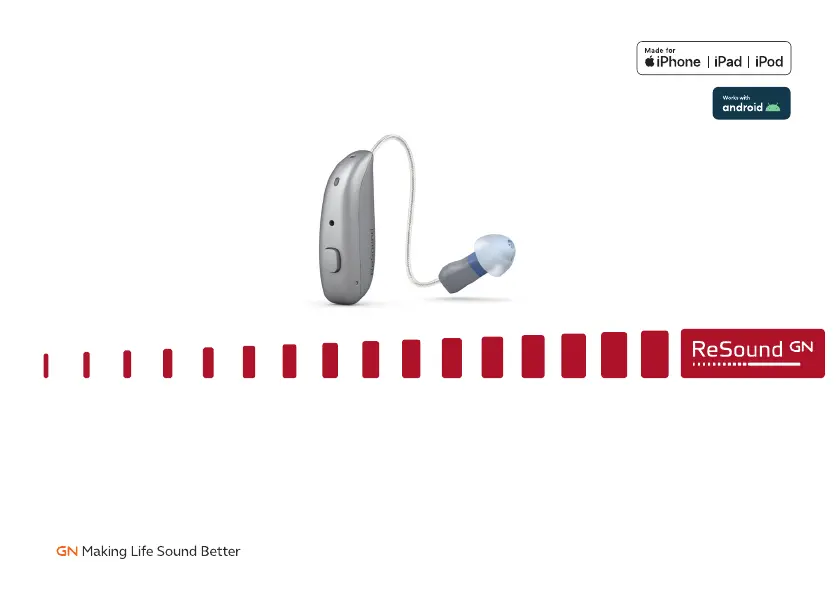
ReSound Nexia - User Manual

ReSound Nexia
68 pages
Print Icon
To Next Page IconTo Next Page
Loading...
resound.com
ReSound Nexia
User guide
ReSound Receiver-In-Ear hearing aids, Rechargeable

Questions and Answers

  • R
    Rebecca MillerAug 10, 2025
    Why is my ReSound Nexia whistling?
    • K
      Kelly Harris PhDAug 11, 2025
      Feedback or whistling in your ReSound Hearing Aid can occur for several reasons. First, ensure your earmold or dome is correctly inserted; if not, put it back in. Reduce the volume if it's too loud. Make sure you are not holding any object close to the hearing aid. Also, check if your ear is full of wax and visit your doctor if needed. Ensure that the hearing aid is turned on and charged. If the hearing aid charger is not charged, then charge the hearing aid charger.
  • K
    Kimberly HawkinsAug 17, 2025
    How to fix ReSound Nexia Hearing Aid not charging?
    • M
      Michelle NormanAug 17, 2025
      If your ReSound Hearing Aid is not charging, make sure the hearing aid is correctly inserted in the charger. Also, ensure the hearing aid charger is charged (Premium charger only) or plugged into a power source.
  • J
    Jonathan FloydAug 26, 2025
    Why does the battery of my ReSound Nexia drain so fast?
    • G
      George RandallAug 26, 2025
      If the battery of your ReSound Hearing Aid drains very quickly, always turn off your hearing aids when you are not using them, or place them in the charger for charging. Batteries run out faster when using wireless functions like streaming from your smart device or TV streamer. If the hearing aid is 3-4 years old, visit your hearing care professional.
  • P
    Peter ThomasSep 1, 2025
    What to do if my ReSound Nexia has feedback?
    • S
      seanmitchellSep 2, 2025
      If you experience feedback or whistling with your ReSound Hearing Aid, try these solutions: ensure the earmold or dome is correctly inserted. Reduce the volume. Create more space between the hearing aid and any nearby objects. If the receiver wire is broken or the earmold is clogged, or if your ear is full of wax, visit your hearing care professional or doctor. Ensure the hearing aid is turned on and charged, and that the charger itself is charged.

ReSound Nexia Specifications

General IconGeneral
CategoryHearing Aid
ManufacturerReSound
ModelNexia
Water ResistanceIP68
Wireless ConnectivityBluetooth
TypeBehind-the-ear (BTE)
Battery TypeSize 312, Size 13
Battery LifeUp to 1 day (rechargeable)

Related product manuals