USBmode
OncetheunitisconnectedtothecomputerviaUSB,3optionswillcomeup:
1
:
MSC
Selectthismodetoaccessthefilessavedontotheunit’smemoryandonthememorycardintheunit
2
:
Charge
Selectthismodetojustchargetheunit
3:Open
Selectthismodetousethecameraasnormalwhilstconnected
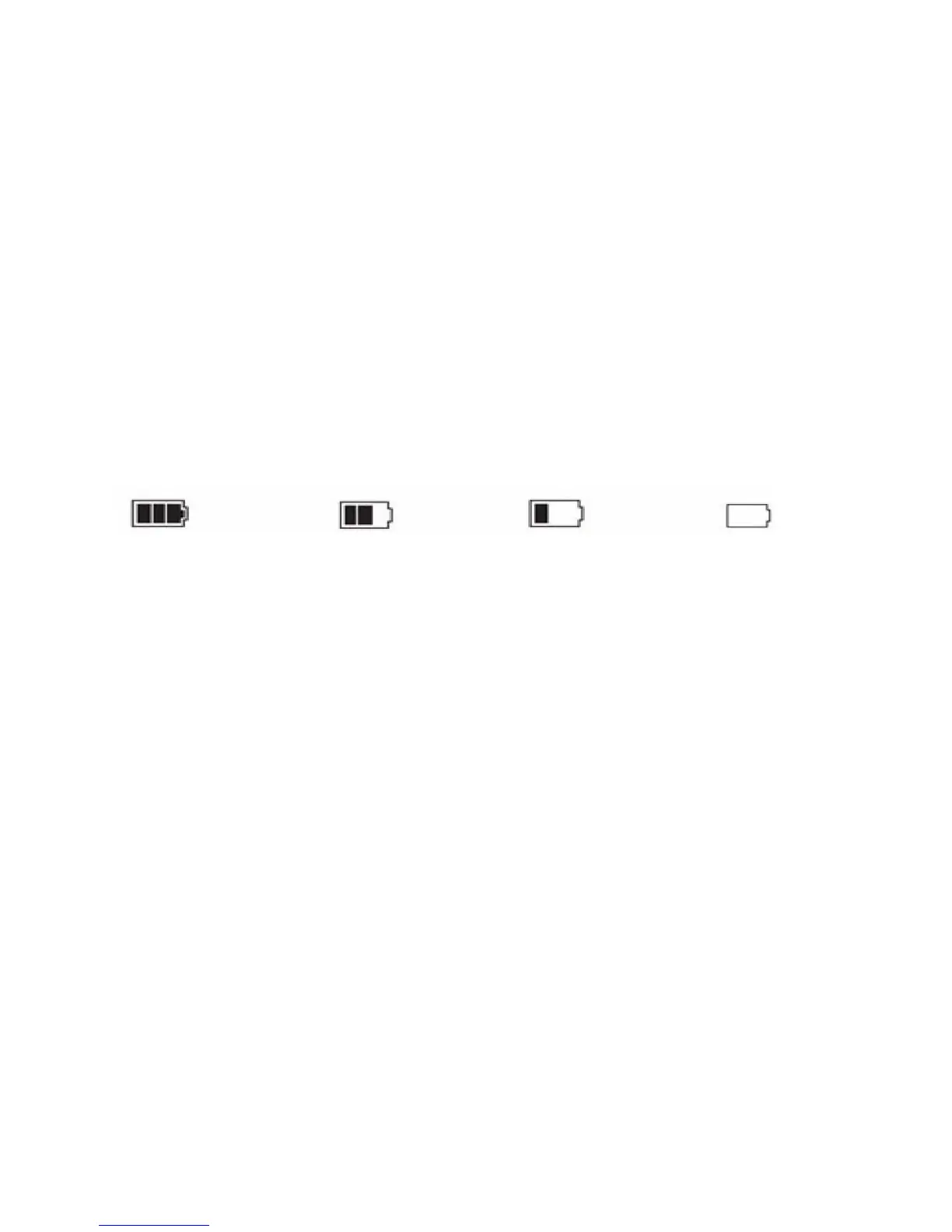
BatteryInformation
Batteryindicationimage:
Fullbattery
Halfbattery Lowbattery Batteryempty
Chargingtheunit:Tochargetheunit,connectittoaUSBsupplyusingthesuppliedcarcharger,theUSB
cablewhenconnectedtoaPCorUSBpoweradaptor.Theredindicatorwilllightupwhencharging;the
averagechargetimeisabout180minutes,oncefulltheredlightwillturnoff.
Troubleshooting
Iftheunitfreezesordoesnotrespondtoanybuttoncommand,useapinorathintooltopressthe
resetbuttonlocatedonthetop.
Iftheunitisnotrecordingortakingaphoto,checktoensuretheMicroSDcardhasbeenformatted
andisnotlocked.
Oncetheun
itsensesaspikeinG‐Forceswhilerecording,theunitwillseparateandlabelthatfile
startingwith“SOS”.AspikeinG‐Forcesmayoccurwhenanincidenthappens,theunitassistinlocating
thefilebysavingitunder“SOS”andprotectsthefi
lebylockingitfromaccidentaldeletion
Ifa“FileError”messageappearsduringreplayofthevideoorviewingofaphoto,itmaybebecausethe
MicroSDcardhasoccurredanerror.PleaseformatyourMicroSDcard.
Ifthevideoorphotoisunclear,ensurethatthelensiscleanus
ingadrysoftcloth.


 To Next Page