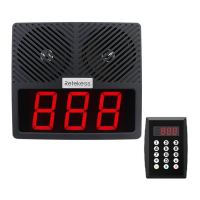
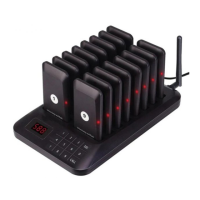
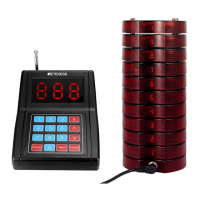
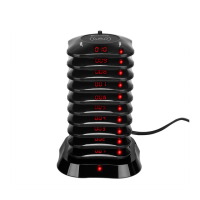
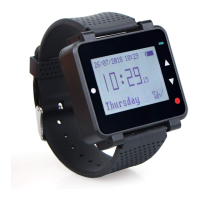
Display content: Current call button ID, Calling time, Times
and Service type.
Check call information: Press UP/DOWN button to check
the call history.
Cancel calling information: Select the call information you
want to remove, press the OK or Exit button to remove the
information from the displayed list.
The call information could be removed by pressing the
cancel key of the corresponding call button if it has.
Operating Instructions
Power On
Press Power button for about 3s to turn on the watch
receiver.
4
·Add Caller
1. Press Menu button for 2s to enter Menu list and select
Add Caller.
2. Press Menu button to enter the sub-menu, it shows
ID:0001 on the display.
3. Press Menu button to move the cursor position, the fist
letter indicate the Area Value. It could be selected from
0 to 9, A to Z. And the other 3 letters indicates the ID num-
ber, they could be set from 0 to 9. Press Up/Down buttons
to choose the ID number to be registered.
4. Press any key on the call button till you see SUCCESS
shows on the display. Then the ID number will automati-
cally go to the next one .


 To Next Page