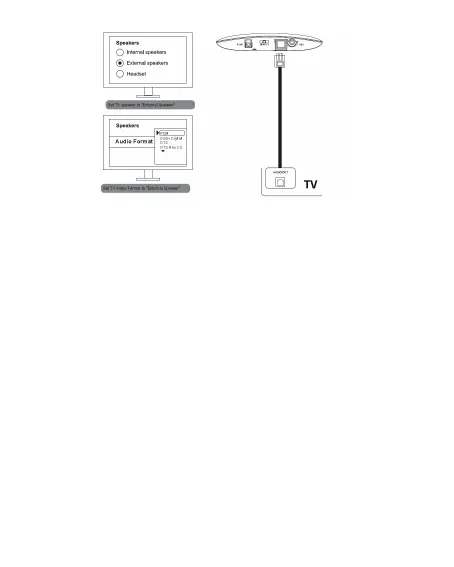
Now, you can hear sound through headphones, and if not:
A.Make sure to set your TV speaker to “External speakers”.
B.Make sure to set the audio format to “PSC” or turn off “Dolby
Atmos/DTS” (This is important.)
C.Make sure the audio source sampling rate is not more than 16bit /
48KHz.
Notice: when using optical output, please remove any cable from the
3.5mm AUX jack.
Step 4:
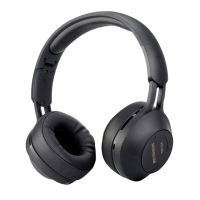
Turn on the headphone and make sure the RED signal/power led is
on. If necessary, push the volume control to a medium level. Adjust
the headphone reception by pressing the tune button once. The LED
will turn GREEN, once received audio signal.
Step 5:
When you’re not using the headphone & transmitter, please turn them off.
Wired headphone: Switch the headphone Power On/Off button to
turn off the headphone. Plug in 3.5mm audio cable to the headphone
audio IN, and connect the opposite end to your audio device, like MP3
, phones etc. Then you can use the headphone as a wired
headphone. However, in this mode, you won't be able to adjust the
volume by using the switch key.
04


 To Next Page