The RA86 has 4 different color options for the LCD Display background.
▪ Short press the MENU button in standby mode until the Backlight menu is displayed;
▪ Use the Volume Up or Volume Down button to select the LCD Display background color (00-04, 00 is to turn off
the backlight);
▪ Short press the MENU button to save the settings and enter the next function menu, long press the MENU
button to save the settings and exit the menu.
BRIGHTNESS
The RA86 has 3 different screen brightness.
▪ Short press the MENU key in standby mode until the Brightness menu is displayed;
▪ Use the Volume Up or Volume Down button to select the backlight brightness level (01-03).
▪ Short press the MENU button to save the settings and enter the next function menu, long press the MENU
button to save the settings and exit the menu.
SLEEP TIME
▪ In standby mode, short press the MENU button until the Sleep Time menu is displayed;
▪ Use the Volume Up or Volume Down button to select the sleep time (OFF/5S/10S/20S/30S/60S) .
▪ Short press the MENU button to save the settings and enter the next function menu, long press the MENU
button to save the settings and exit the menu.
When the sleep function takes effect, the LCD backlight and key backlight of the radio will be turned off, and will
enter the power saving mode, but the LCD will still display normally.
SPEAKER SELECT
The RA86 has two speakers. You can choose which speaker you would like to use for your audio.
▪ Short press the MENU button in standby mode until the Speaker Sel menu is displayed;
▪ Use the Volume Up or Volume Down button to select the speaker status (Base/MIC/DUAL) .
▪ Short press the MENU button to save the settings and enter the next function menu, long press the MENU
button to save the settings and exit the menu.
RESTORING THE DEFAULT SETTINGS
You can restore the original (factory default) settings for your RA86 at any time.
1.Be sure the radio is turned off
2.Press and hold the PTT and the WX button simultaneously,
3.With the buttons still held, turn on the radio.
▪ During the reset process, the LCD will display the current software version number;
▪ After the reset is completed, all the settings of the radio is restored to the factory state.
Factory frequency chart
09
1
2
3
4
5
6
7
8
9
10
11
12
462.5625
462.5875
462.6125
462.6375
462.6625
462.6875
462.7125
/
/
/
/
/
462.5625
462.5875
462.6125
462.6375
462.6625
462.6875
462.7125
467.5625
467.5875
467.6125
467.6375
467.6625
67.0
118.8
127.3
131.8
136.5
141.3
146.2
D243N
D032N
D047N
D051N
D053N
Low
Low
Low
Low
Low
Low
Low
Low
Low
Low
Low
Low
CH NO. TX Frequency(MHz) RX Frequency(MHz) Code(Hz) Power
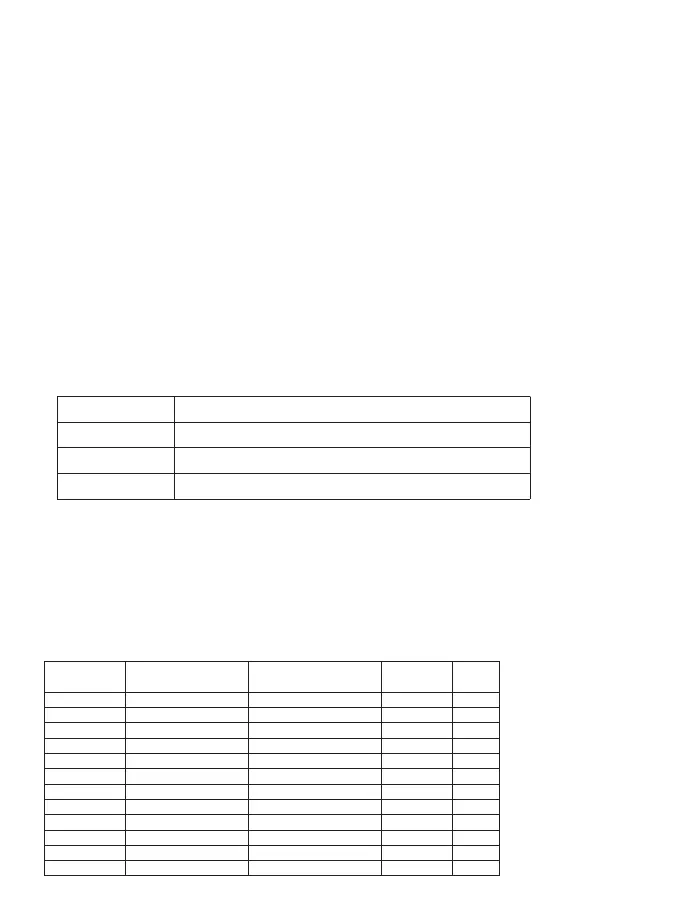
BASE
MIC
DUAL
Radio Base Speaker is Active. Handheld Speaker is Off.
Handheld Speaker is Active. Radio Base Speaker is Off.
Both the Handheld and the Radio Base Speakers are active.
DescriptionDisplay Option



 To Next Page