EasyManua.ls Logo

Retevis RA89 - Keypad Functions Overview; Main Keypad Operations; Special Key Combinations

Retevis RA89
119 pages
Print Icon
To Next Page IconTo Next Page
To Previous Page IconTo Previous Page
Loading...
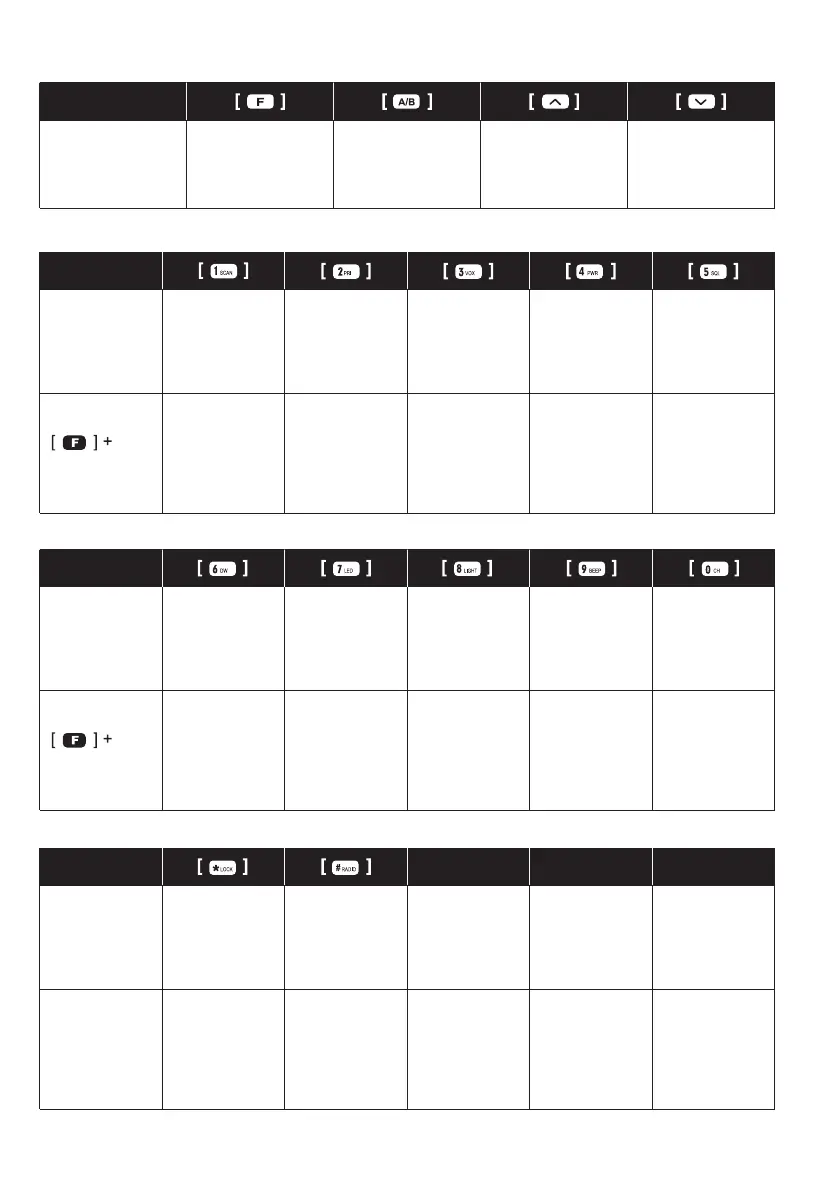
KEYPAD FUNCTIONS
Press key Enter Menu mode/
confirm the setting
1.Switch the A or B
frequency to be the
“Operation” Band.
2.Exit Function.
Upper menu item,
channel or frequency
Lower menu item,
channel or frequency
Press key Frequency/
Channel No. Entry
“1”
Frequency/
Channel No. Entry
“2”
Frequency/
Channel No. Entry
“3”
Frequency/
Channel No. Entry
“4”
Frequency/
Channel No. Entry
“5”
Press Enter scan menu Enter priority TX
mode setting
Enter VOX level
setting
Enter high/low
power setting
Enter squelch level
setting
Press key Frequency/
Channel No. entry
“6”
Frequency/Chan-
nel No.
Entry “7”
Frequency/Chan-
nel No.
Entry “8”
Frequency/Channel
No.
Entry “9”
Frequency/Chan-
nel No.
Entry “10”
Press Enter dual watch/
standby
Enter LED setting Enter Backlight
level setting
Enter Beep Tone Enter DTMF
2T&5T
Press key Press and hold key
to start keypad
lock.
Switch CH mode
and VFO mode
long press # to
enter FM mode.
Press F+
*Lock
Enter TX/RX tone
coder.
Press F+#
to start emergency
alert.
Long press
#Radioto enable
FM radio.
05

Related product manuals