WORKING MODE
1)Frequency Mode (VFO)
Under this mode, you can use [ ] / [ ] key to change the frequency or input the frequency through the keypad directly, and store
channels.
When the radio is under VFO mode, long press A/B to seek the frequency with CTCSS/DCS near. It will pair the frequency and
CTCSS/DCS if the other radio press PTT. The radio (want to be copied) must keep on pressing PTT till the frequency and the CTCSS/DCS
copied, or it may be seeking the end tone of the copied radio.
2)Frequency –Channel Mode (MR)
When you have stored a memory channel at least and under VFO mode, press [ ] key to enter MR mode.
The frequency will be indicated on the display and the channel No. will be indicated on the right side. If the transceiver display name option
is ON and the channel name is edited, it will show the name of the channel.
3)Channel Mode (CH)
When you have stored a memory channel at least, turn on the radio, press [ ]+33 to enter DIS MD and choose CH mode. Channel No.
will be indicated on the display and if the transceiver display mode option is ON, it will show the name and the channel.
4)FM Radio Mode
The transceiver provides frequency 65.00-108.00MHz FM radio. Under this mode, you can choose the needed FM frequency directly. Scan
frequency range and store your favorite channel. Long press [ ] to enter and exit FM radio mode.
5)MENU Mode
Press [ ] KEY to enter MENU mode, there are 38 items in total.
6)RESET Mode
Press [ ] +[3] [5] key to enter Reset mode, then press [ ] key to enter. [ ] or [ ] key to select ALL/VFO/FULL.
1.ALL: initialize all settings.
2.VFO: initialize all settings under frequency mode.
3.FULL: initialize all settings under frequency and channel mode.
SET MENU MODE
Lock
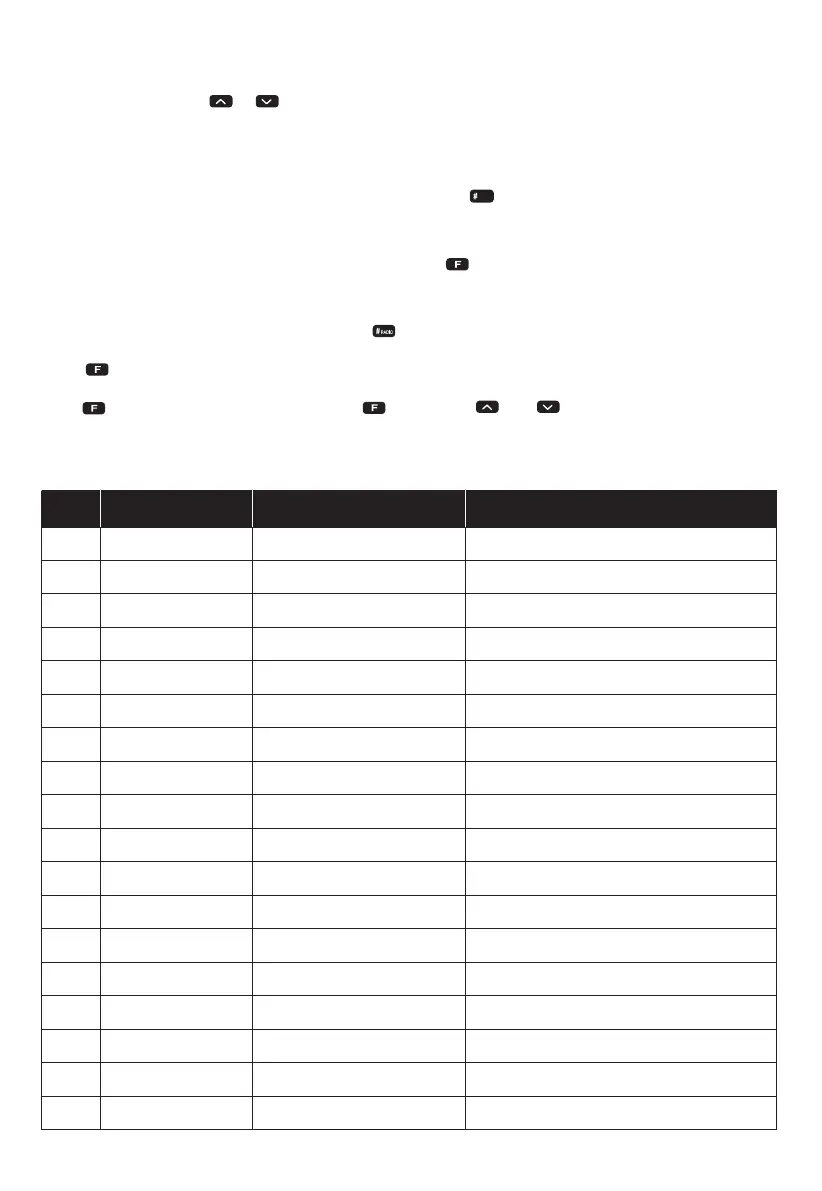
No. LCD Display Available Values Description of Function
1
2
3
4
5
6
7
8
9
10
11
12
13
14
16
17
18
19
SCAN
TX-SEL
VOX LEV
POWER
SQL
D.WAIT
LED
LIGHT
Beep
DT/2T/5T CH
TOT
BCLO
VOX.SW
ROGER
RX.SAV
SCAN.S
AUTOLK
VOICE
/
EDIT/BUSY
1-7
HIG/LOW/MID
0-9
ON/OFF
ON/5S/10S/15S/20S/25S/30S/OFF
1-7
ON/OFF
1-16
OFF/30/60/…/270
OFF/WAVE/CALL
ON/OFF
ON/OFF
1:1/1:2/1:4/OFF
TO/CO/SE
ON/OFF
ON/OFF
Frequency/Channel Scan
Priority Transmit
VOX Level Setting
High/Low/Middle TX Power
SQL level setting
Dual Wait /Standby
LED Display time
Background Light level
Keypad Beeper Setting
Preset Channel Selection
Transmitter Timer out Timer
Busy Channel Lock-out
VOX Switch ON/OFF
Transmit Over Beeper
Receive Saver
Scan Mode
Auto Keypad Lock
Voice Prompt
06



 To Next Page