Less battery duration: Possible reasons are using and charging the battery in high temperature conditions or
searching for a network constantly in a weak network area. If you are in an area with a weak signal, please
temporarily switch OFF the radio.
Unable to connect to a network: Possible reasons are that the SIM card is not effective, poor signal or being
out of the network service area. Please try either replacing the SIM card or move to a position that is more open,
i.e. if you are in a building, move nearer the window.
Software Instruction
Platform Instruction
Smart PTT dispatch Management Platform
User’s Manual
Software Instruction
IP address
American: 47.254.88.91 / Singapore: 47.74.211.230
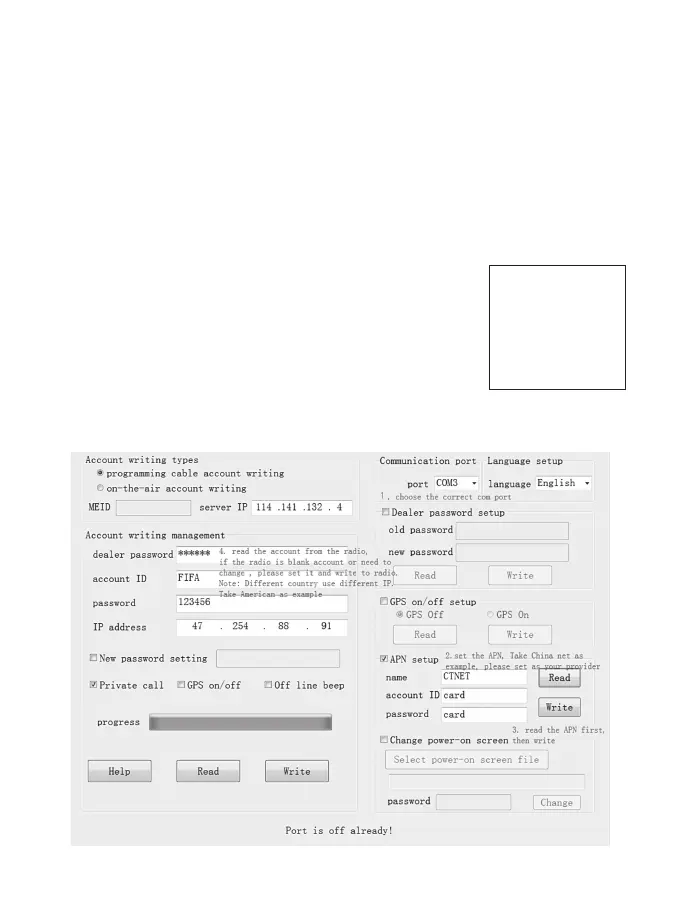
1. Create account in programming software
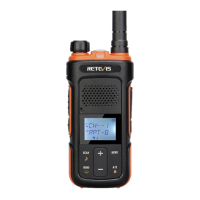
(1) Press the side key 1 then turn on the radio, you will find the screen:
(2) Choose the port:
COM write chip
NAME:4027EE8
HOST:114.141.132.4
STATE:
(3) After finished set up, press write. Then you can see the radio name in the radio’s screen.
6


 To Next Page