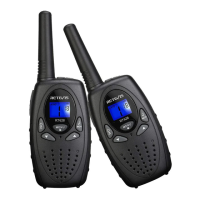
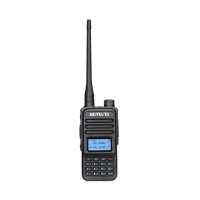
digits, time can be set from 0 to 24 hours.
3、Press the power / menu button until the minute digits
displayed.
4、Press the up or down key to increase or decrease the
minute digits
5、press the power / menu button to save the settings and
enter other feature settings.
6、press the call / call button to save and return to standby.
Set the alarm
1、Standby, repeatedly press the Power / Menu button until
the alarm symbol “ ”appears on the LCD screen. Press
the up or down key to select turn off or turn the alarm function
2、Select the alarm function, press the Power / Menu button
to enter the set alarm hour time setting, Hours start flashing ,
Press the up arrow key or down arrow key to alarm hours.
Press the power / menu button starts blinking minutes, Press
up arrow key or down arrow key to set alarm minutes. After
the digital clock icon flashes stopped, the unit automatically
save the settings and return to standby.
Key-Tone On/Off
When a button is pressed, the unit will deep briefly to set the
key-tone.
press the menu-button seven times. Press up key to
enable (ON) or down key disable the Key Tone (OF).
press the PTT-button to confirm your selection and return


 To Next Page