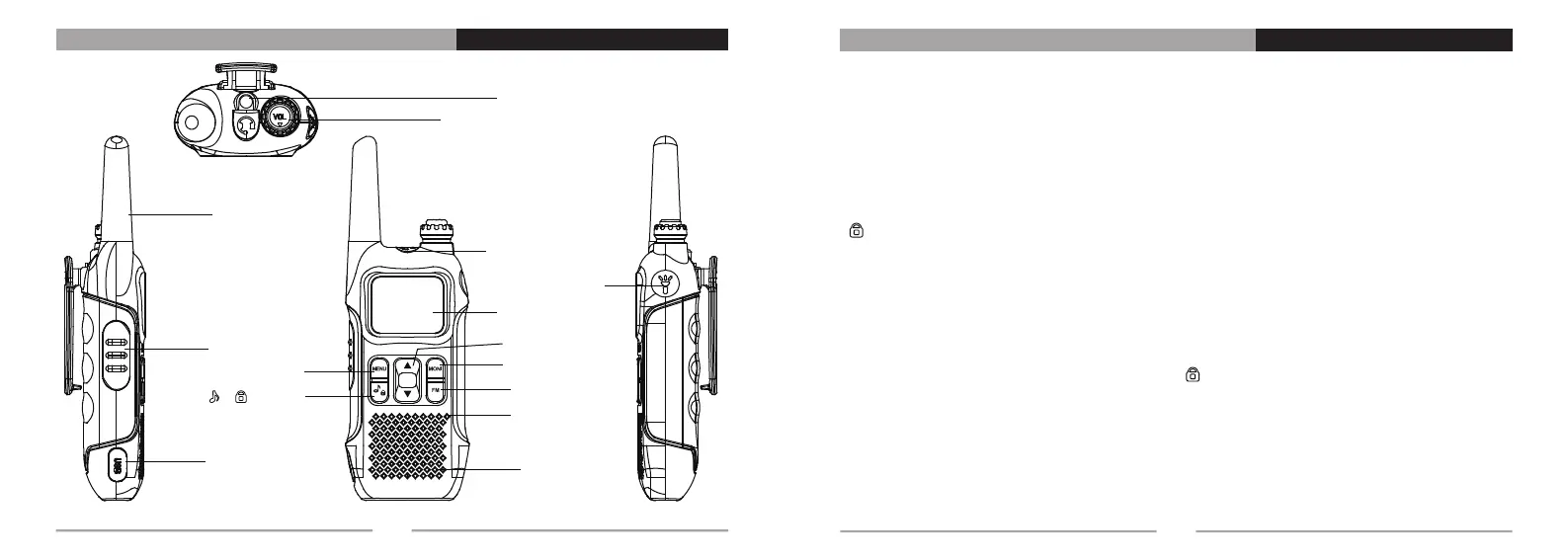
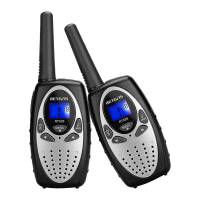
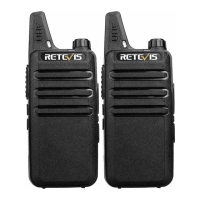
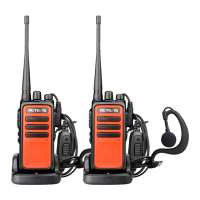
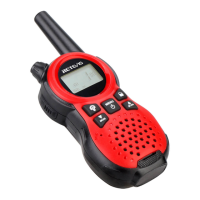
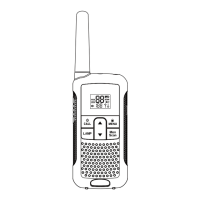
LED Flashligt
Power and Volume Knob
Antenna
Earphone Socket
LCD Screens
LAMP Button
PTT Button
Micro USB Part
MEMU Button
[ ]/[ ] Button
[▲]/[▼] Button
MONI Button
FM Button
Microphone
Speaker
Familiar with the machine
01
[Power and Volume]: Power switch, adjust the volume.
[PTT]: When transmittiong, press this button and speak to the microphone; release the button to receive.
[FM]: Press the button once to turn on the FM radio function, and then press the button again to turn off the
FM radio function.
[LAMP]: Press to turn on the flashlight, press it again to make the flashlight flash, and press it again to turn
off the flashlight.
[MENU]: Short press to enter menu setting function.
[MONI]: Monitoring Button, short press for Monitoring function in normal mode; In menu mode press this key
to exit.
[ / Ringtone]: Long press this button to turn on/off keypad lock, short press for ringtone call. (Note: After
the keyboard lock is opened, the function key and confirm key operations are invalid)
[▲]: Short press this button to up; Long press to switch A/B frequency.
[▼]: Short press this button to down; Long press to switch A/B frequency.
Combination key function
Call Tone: Press and hold [PTT] button and [MONI] button to transmit 1750Hz tone signaling, Release the
[MONI] button to exit; Press and hold [PTT] button and [FM] button to transmit 1450Hz tone
signaling; Press and hold [PTT] button and [ ] button to transmit 1750Hz tone signaling.
Description of the Buttons
02


 To Next Page