7
Selecting the Channel
The channel is the frequency of the radio uses to transmit.
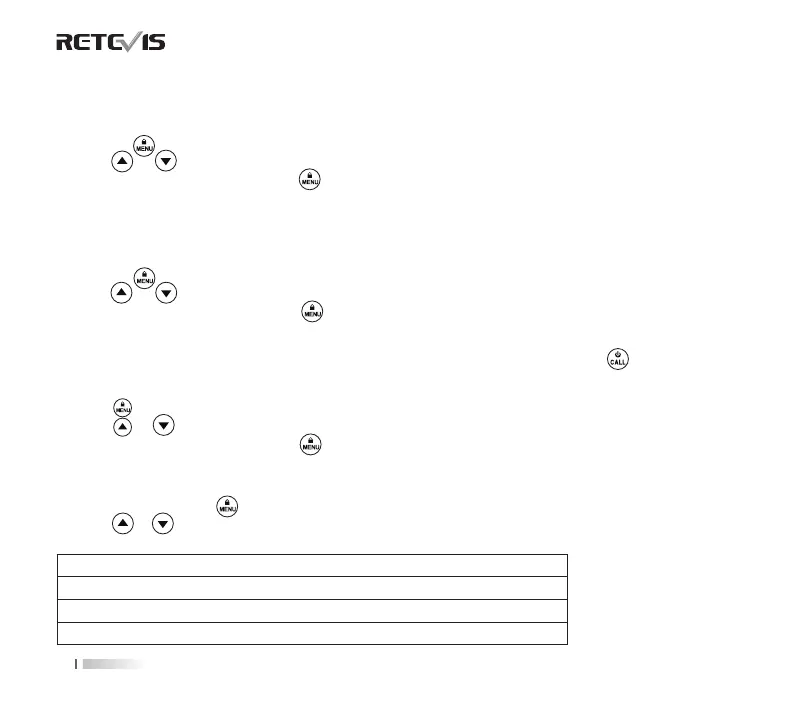
1. Press the button until the channel number starts to ash.
2. Press or button to change the channel number.
3. Press the
PTT
button to exit menu or button to continue setup.
Selecting the Interference Eliminator Code
Sub-Codes help minimize interference by blocking transmission from unknown sources. Your radio has 121 Sub-
Codes.
To set the code for a channel:
1. Press the button until the code number starts to ash.
2. Press or button to select code number.
3. Press the PTT button to exit menu or button to continue setup.
Setting and Transmitting Call Tones
Your radio can transmit dierent call tones to other radios in your group when you pressed button. The radio
has 10 call tones.
To set a call tone:
1. Press button until call tone
'CA'
appears. The current call tone setting ash.
2. Press or button to change and listen to the call tone.
3. Press the
PTT
button to exit menu or button to continue setup.
Voice Operated Transmission (VOX)
Transmission is initiated by speaking into the microphone of the radio instead of pushing the
PTT
button.
1. To activate VOX, press button until 'VOX' appears on the display. The current setting (0, 1-3) will ash.
2. Press or button to select the sensitivity level.
3. Press the
PTT
button to exit menu.
MENU OPTIONS
L3=High Sensitivity for quiet environments
L2=Medium Sensitivity for most environments
L1=Low Sensitivity for noisy environments
L0=Turn O VOX function


 To Next Page