8
Dual Channel Monitor
Enable you to scan current channel and another channel alternately.
To set another channel and start Dual Watch.
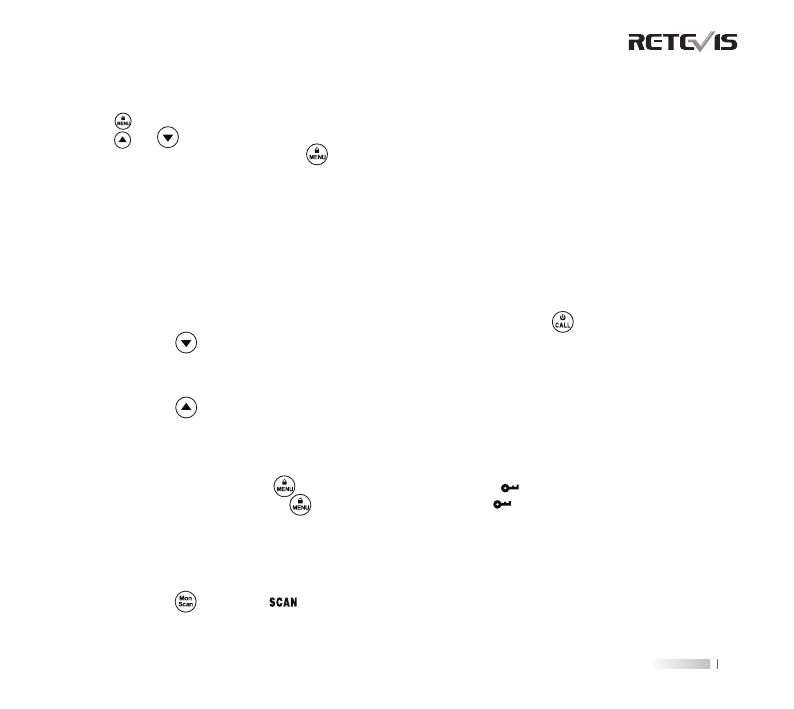
1. Press button until '2CH' appears on the display. The current setting (OF, 1-16) will ash.
2. Press or to select channels.
3. Press the
PTT
button to exit menu or button to continue setup.
4. Press the
PTT
button or wait until the time out menu to activate Dual Watch. The screen will alternate
between Home Channel and Dual Watch Channel.To end Dual Watch mode, re-enter Dual Watch menu to
select the OFF setting.
Note
: If you set the same channel and code as current channel, Dual Watch does not work.
Keypad Tones
Your radio emits a beep each time one of the buttons is pressed (except the
PTT
and button).
Press and hold the button while turning the radio ON to switch the keypad tone ON/OFF.
Roger Tone
You can set your radio to transmit a unique tone when you nish transmitting.
Press and hold the button while turning the radio ON to turn the Roger Beep ON. Repeat the step to turn
Roger Beep OFF.
Keypad Lock
To avoid accidentally changing your radio settings:
1. To lock the radio, press and hold button until the key lock indicator icon on display appear.
2. To unlock the radio, press and hold button until key lock indicator icon on display disappear.
Scanning Channels
Use scan to search all channels for transmissions from unknown parties, to nd someone in your group who has
accidentally changed channels or to quickly nd unused channels for your own use.
To Start Scanning:
1. Briey press the button, the icon will appear in the display and the radio will begin to scroll through
the channel and code combinations.
2. When the radio detects channel activity matching the channel and code combination, it stops scrolling and you can
SPECIAL FEATURES


 To Next Page