EasyManua.ls Logo

Retevis RT76P - Advanced Transmission Features (Part 2); Remote Stun, Talk Around, and Reverse Frequency

Retevis RT76P
36 pages
Print Icon
To Next Page IconTo Next Page
To Previous Page IconTo Previous Page
Loading...
receiving
the
code.
The
LCD
screen
displays
"kiss",
which
cannot
be
received
or
transmitted.
@
Canceling
Remote
Stun
Only
after
receiving
the
canceling
remote
stun
code
can
the
machine
be
returned
to
normal
use.
@
Talk
Around
This
function can
be
realized
by
defining
side
button2.
After
talk
around
is
turned
on,
the
current
channel
transmits
at
the
receiving
frequency.
LCD
display
character
"t"
when
the
function
is
turn
on.
@
Reverse
Frequency
In
standby
mode,
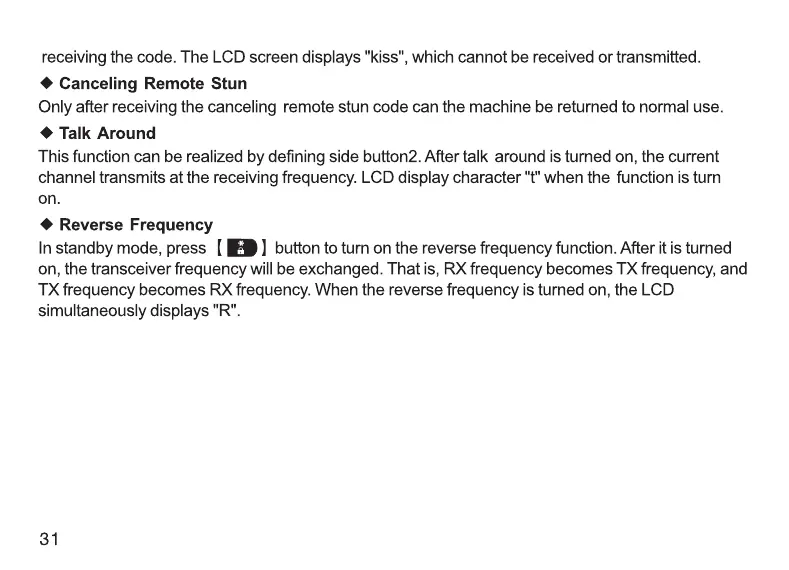
press
[
[MB
)
button
to
tun
on
the
reverse
frequency
function.
After
it
is
turned
on,
the
transceiver
frequency
will
be
exchanged.
That
is,
RX frequency
becomes
TX
frequency,
and
TX
frequency
becomes
RX
frequency.
When
the
reverse
frequency
is
turned
on,
the
LCD
simultaneously
displays
"R".
31
Technical
Specifications
Specifications:
Frequency
Range
GMRS
Frequency
Sensitivity
+2.5
ppm
Rated
Voltage
7.4V
DC
+20%
Antenna
Impedance
50
Working
Space
Same
frequency
single
working
or
different
frequency
single
working
Transmitter:
Modulation
Mode
16K
¢
F3E/11K
¢
F3E
Maximum
Frequency
Deviation
=
SkHz
/
<2.5kHz
Adjacent
Channel
Power
265dB
262dB
Spurious
Power
<7.5uW
Preemphasis
Character
6dB/every
time
the
frequency
will
increase
Current
<1.6A
32

Related product manuals