2
3. / :
Briefly Press this button to go to the next track, or press and hold to increase volume.
4. / :
Briefly Press this button to go to the previous track, or press and hold to decrease
volume.
5. :
Press this button to switch to the different preset LED modes.
6. 。:
The microphone for hands-free function.
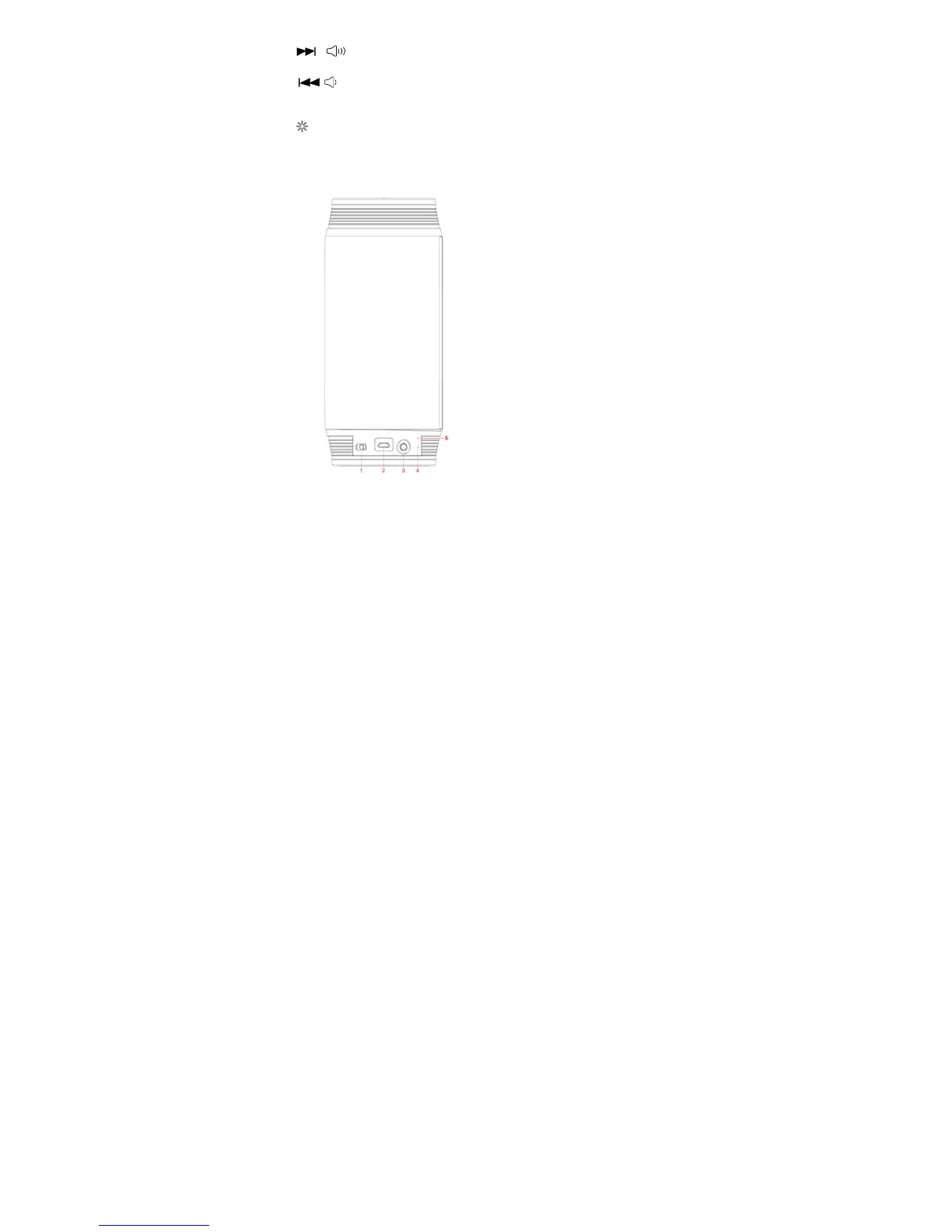
1. OFF⁄ON: Power switch
2. DC 5V: DC 5V port for charging the built-in lithium battery.
3. AUX IN: External audio source input (Spec: 3.5mm jack)
4.
。: Charging indicator light
5. 。: Function indicator light


 To Next Page