1
For optimal performance of this device, please take the time to follow the
instructions in this users guide carefully. It will help you to properly use your new
RevJams product and enjoy its features. Please save this users guide for future
reference.
What’s in the Box?
Make sure the following items are enclosed in your package.
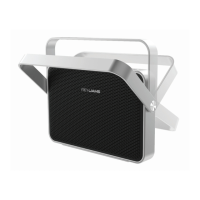
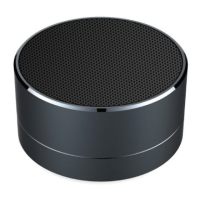
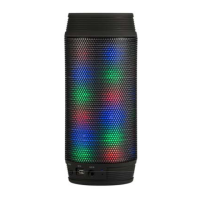
□ RevJams DISCOTEK Wireless Bluetooth Speaker
□ Users Guide
□ Micro USB charging cable
Control Panel Instructions
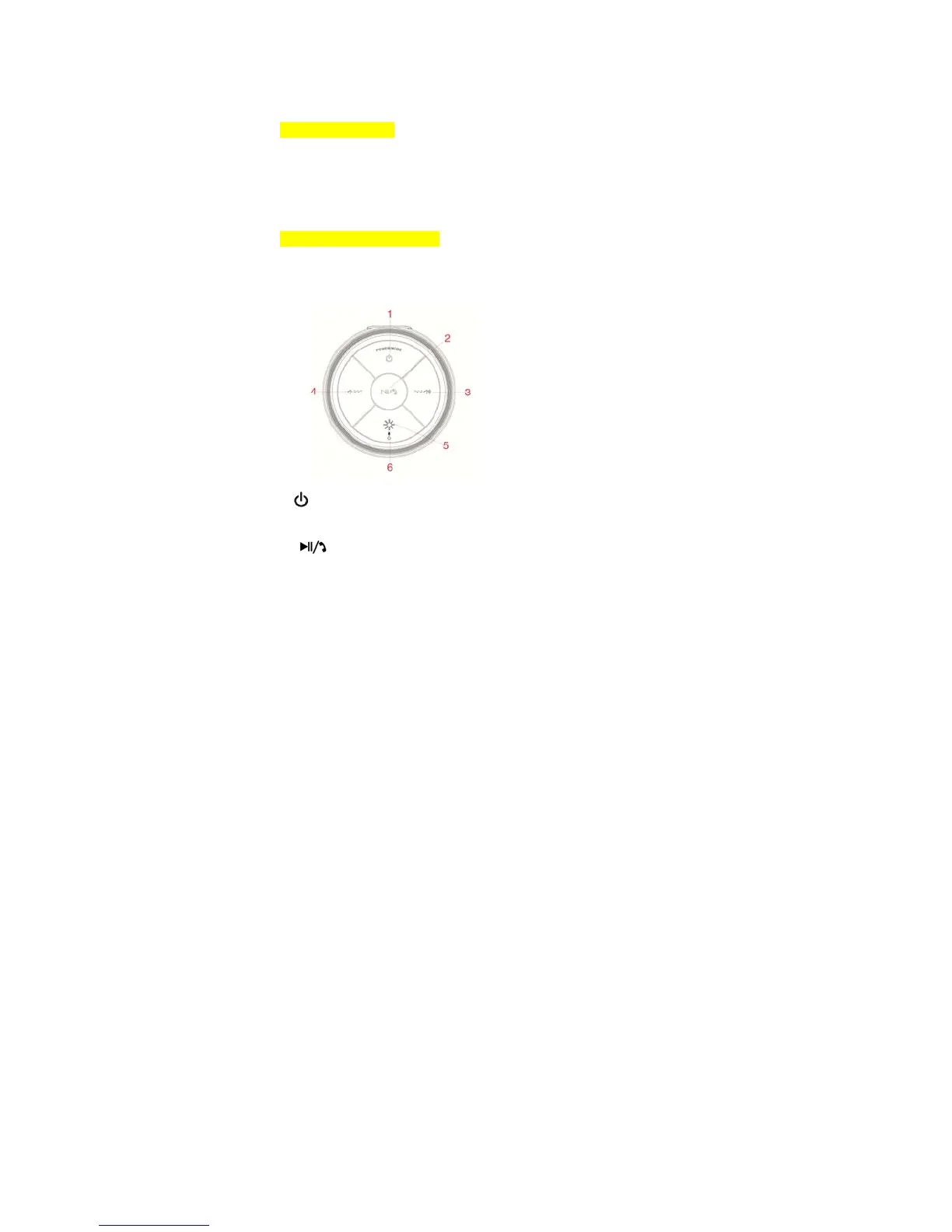
There are 5 buttons, 2 ports and 1 switch located on the panel which is defined
below:
1. :
Briefly press to Power On/ Pair/Connect to the device.
Press and hold to disconnect paired device.
2. :
Press this button ONCE to play/pause;
When there is an incoming call, briefly press to answer/end the call
Press and hold to reject the call


 To Next Page