STATION INFO
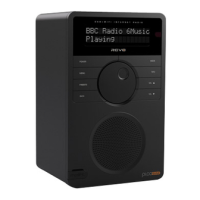
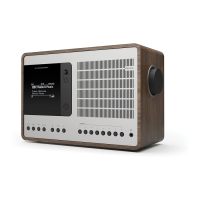
In DAB MODE, SUPERCONNECT is capable of displaying various pieces of
information on its screen. By pressing the button, you can sequentially cycle
through the following types of information.
STANDARD DAB SCREEN Shows scrolling text info from broadcaster
PROGRAMME TYPE For example News, Rock Music, Classical etc.
MULTIPLEX AND FREQUENCY Multiplex owner and station frequency
SIGNAL STRENGTH Station’s current signal strength
BIT RATE AND CODEC Audio format, sample rate, mono or stereo
DATE Today’s date
10
DAB MODE MENU OPTIONS
DDE&F),+1&=A#/+4
F14<&A#/+4&
DDE&9)2+1$)*&M@D
N"%O>&PPQR=ST&AUG
DDE&F),+1&=A#/+4
8+H$)*&V%(%*&>&W?
82"%$H2.
DDE&F),+1&=A#/+4
D+2&")2%>&IPT&<LB/
E1,%4&>&A!P
E.)$$%*/&>&X1+$2&82%"%1
DDE&F),+1&=A#/+4
PPYIPY?W
DDE&F),+1&=A#/+4
-1,)CZ/&M)2%&>
K1&8O#)"%&K1[
DDE&F),+1&=A#/+4
91\&!*)C+$H&>&K*)/(%H)/


 To Next Page
 Loading...