EasyManua.ls Logo

Revolution VIZO - User Manual

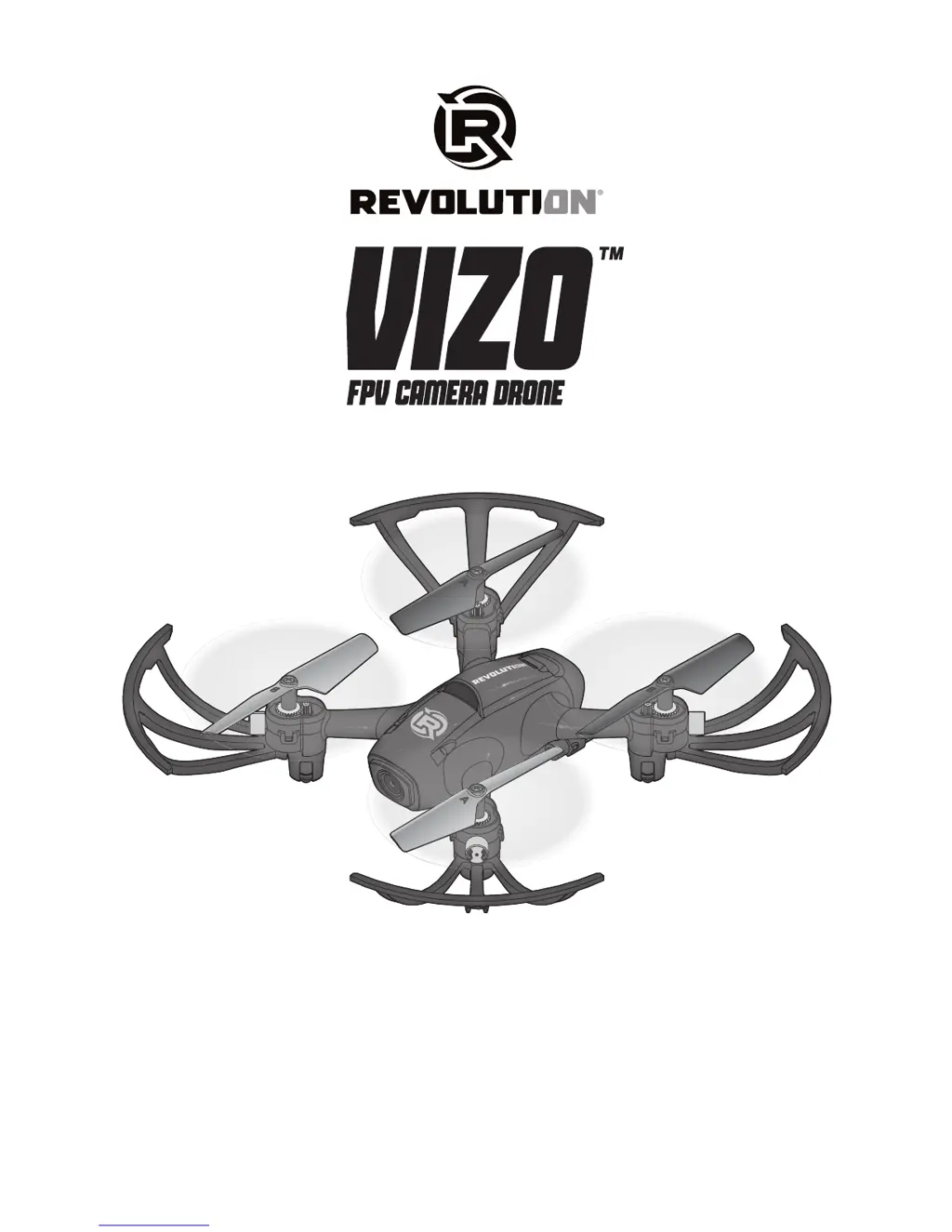
Revolution VIZO
14 pages
Print Icon
To Next Page IconTo Next Page
Loading...
Instruction Manual
Manuel d’utilisation

Questions and Answers

  • M
    michael16Jul 31, 2025
    Why does my Revolution VIZO Drones crash immediately upon lift-off?
    • C
      Caroline BrownJul 31, 2025
      Your Revolution Drone might crash immediately upon lift-off due to propellers being in the wrong locations or experiencing interference. Ensure the propeller direction is correct and remove any interference. Another cause may be a bent or damaged propeller. In this case, replace it with a new one.
  • M
    Mary HarrisonAug 4, 2025
    How to fix Revolution Drones that will not respond to throttle?
    • D
      Dr. Bradley Dudley MDAug 4, 2025
      If your Revolution Drone isn't responding to the throttle, it could be due to the transmitter being incorrectly connected. Try cycling the power to the drone with the transmitter ON and then perform the motor arming procedure. Alternatively, the flight battery or transmitter battery charge may be too low. In that case, replace or recharge the batteries.
  • C
    Carlos GeorgeAug 8, 2025
    What to do if my Revolution Drones has difficulty connecting transmitter to drone?
    • S
      Susan PhamAug 8, 2025
      If you're having trouble connecting the transmitter to your Revolution Drone, it might be because the drone battery was plugged in before the transmitter was powered on. Try cycling the power to the drone with the transmitter ON and perform the motor arming procedure. Also, check if the flight battery or transmitter battery charge is too low and replace or recharge the batteries if needed. The issue could also be interference; try moving the drone and transmitter away from large metal objects, wireless sources, or other transmitters and attempt to connect again.
  • B
    Barbara FrancisAug 13, 2025
    Why is my Revolution VIZO flight time reduced or power reduced?
    • E
      edwardslindaAug 13, 2025
      Reduced flight time or power in your Revolution Drone can stem from several reasons: * The flight battery charge is low, so replace or recharge the batteries. * The power to the flight battery charger is inadequate; try using a different power source for the charger. * The flight battery is damaged, so replace the flight battery and follow the flight battery instructions. * Flight conditions are too cold; ensure the battery is warm (room temperature) before use. * Debris is blocking the propellers; clean any debris from the propellers.
  • J
    James WilliamsAug 17, 2025
    What to do if photos/video will not save on Revolution Drones?
    • T
      Taylor BakerAug 17, 2025
      If your Revolution Drone isn't saving photos or videos, the micro memory card might not be formatted. Try formatting the micro memory card. Alternatively, the micro memory card could be full, so try using another micro memory card.
  • J
    Julie RobertsAug 21, 2025
    Why does my Revolution Drones continue to drift?
    • R
      Richard AbbottAug 22, 2025
      If your Revolution Drone continues to drift, it's possible that the drone was not level during gyro calibration. Place the drone on a level surface, and use paper to shim the drone arm if necessary, then repeat the gyro calibration.
  • M
    michaelreidAug 26, 2025
    How to allow app to access photos/video for Revolution VIZO?
    • L
      leachkatieAug 26, 2025
      If your Revolution Drone is not saving photos/videos to your smart device, it might be because the app does not have access to the photos/video. Following the app prompts, allow the app to access photos/video.

Summary

Safety Precautions and Warnings

First Flight Preparation

Charging Warnings

Charging the Flight Battery

Instructions for safely charging the drone's flight battery.

Connecting the Drone and the Transmitter

Understanding the Primary Flight Controls

Flight Rate Selection

Details the different flight rate modes and how to select them.

Flying the Vizo Camera Drone

Low Voltage Cutoff (LVC)

Explains the LVC feature and its indicators.

360° Flip Mode

Camera Use

Troubleshooting Guide

Post-Flight Inspection and Maintenance Checklist

Limited Warranty

Warranty and Service Contact Information

Revolution VIZO Specifications

General IconGeneral
BrandRevolution
ModelVIZO
CategoryDrones
LanguageEnglish