24
Touch a message to enter the message composing screen:
• Touch to call the number.
• Touch to save the number to contacts or view the contact details if the number has been saved.
• To reply to a message, enter the text. When finished, touch .
• If you touch and hold a message, the following options will be available: delete , turn off notification
, archive , etc. Touch to add contact.
4.4 Gmail .................................................................................................
Setting up Gmail
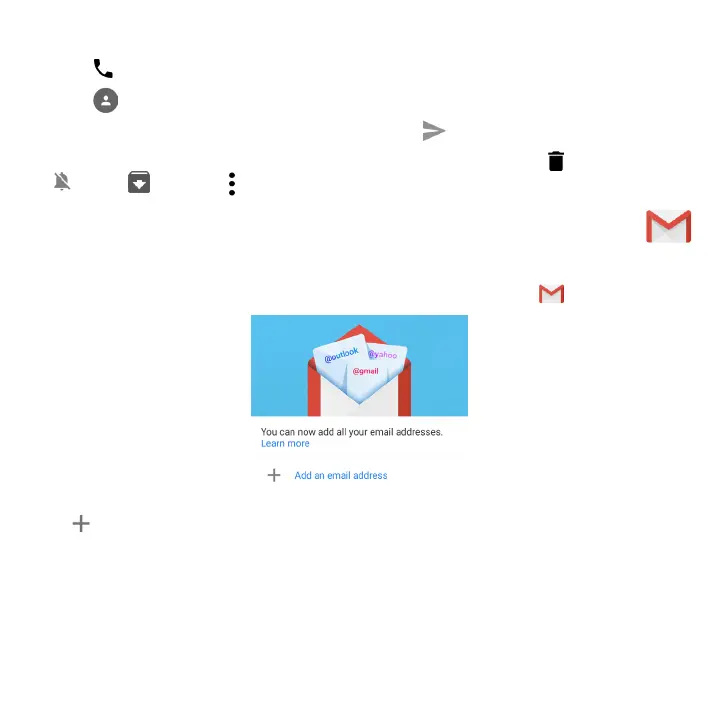
To set up your email account, swipe up from the Home screen, then select Gmail .
Select to add an email address.
An email setup process will guide you through the steps to set up an email account.
• Select the type of email account that you have and enter the email address and password of the account
you want to set up.



 To Next Page