31
Making a video
• Touch VIDEO to enter the Video mode.
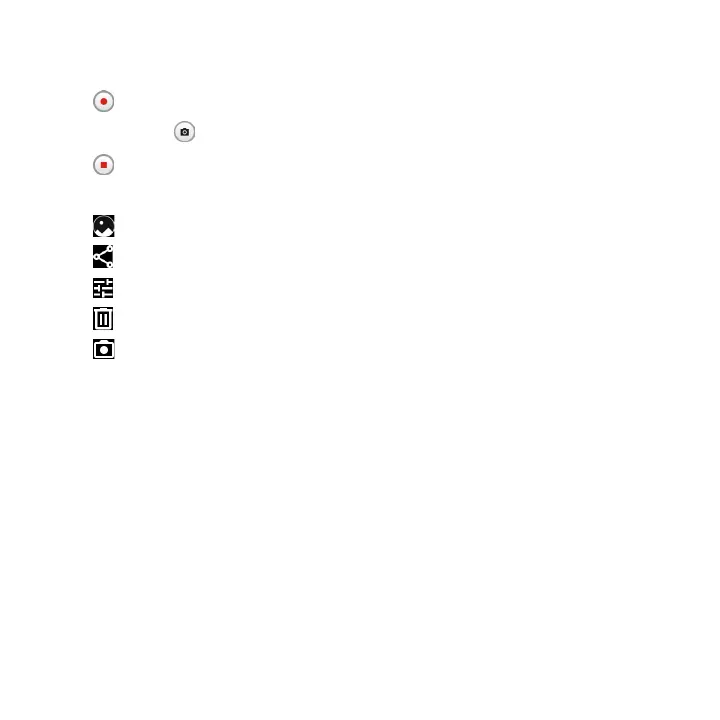
• Touch in the center of the screen to start video recording.
• You can also touch to take a picture during video recording.
• Touch to stop recording. The video will be automatically saved.
Further operations when viewing a picture/video you have taken
• Touch from camera screen to view the photos or videos you have taken.
• Touch then Gmail, Bluetooth, MMS, etc to share the photo or video.
• Touch to edit.
• Touch to delete.
• Touch to go back to Camera mode



 To Next Page