33
• Touch to share the picture, or touch to delete the picture. Touch and select Use as to set the
picture as Contact photo or Wallpaper.
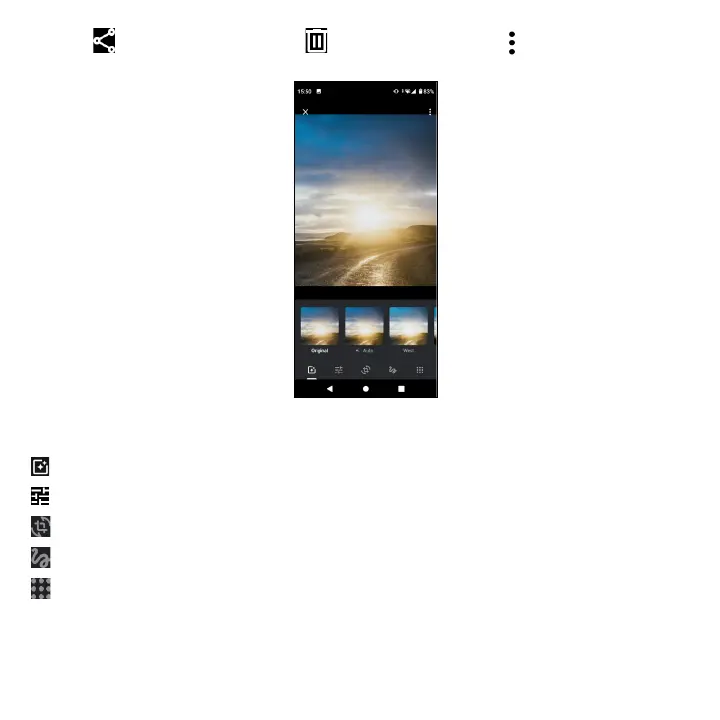
Find the picture you want to work on, and tap the picture in the full screen view. Tap to edit.
Set effects such as Auto, West, Palma, Metro, etc.
Adjust the picture color.
Straighten or Rotate the picture.
Personalize your picture with painting or adding words to it .
Crop the picture.



 To Next Page