GB
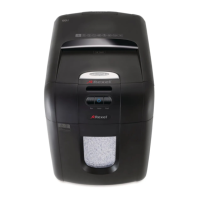
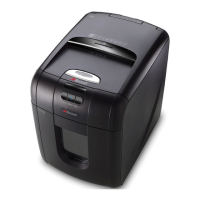
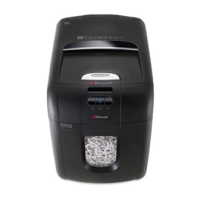
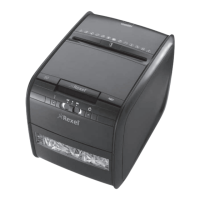
AUTO+ 60X
™
SHREDDERS 9
1. operation
Unpack the product
Connect the shredder to mains supply
3 Ensure the ono switch on the back of the shredder is in the ON position
To commence shredding move the slide switch to the Auto position
which sets the
shredder into auto mode You are now ready to shred
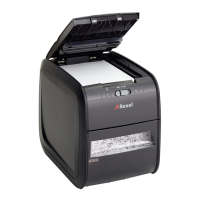
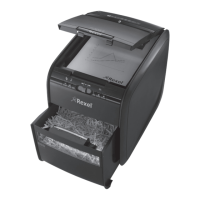
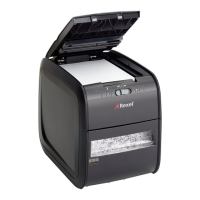
To load the shredder simply lift the loading door catch to open the loading door and insert
documents You can open the door further to degrees for easier access if required Load
up to sheets at a time into the feed chamber Do NOT ll above the MAX level this could
damage the shredder.
6 The shredder will start shredding automatically ONLY after closing the loading door
If there is still paper in the Autofeed tray after rst attempt open and reclose paper loading door
a second time.
If you only have up to sheets to shred you can use the manual feed slot provided the auto
feed chamber is empty
2. reverse function
Should you wish to reverse paper out whilst shredding a reverse button
has been tted for
your convenience
Reverse the paper out then turn the shredder o using the ONOFF switch at the rear of the
shredder Remove the paper from the manual feed slot if being used or open the loading door
remove the remaining stack of paper then pull the jammed paper free of the cutting mechanism
3 To resume shredding return the slide switch to the auto position
and turn on the machine by
using the ONOFF switch at the rear of the shredder
Rexel encourages customers to recycle shredded paper.
Please note that shredded paper cannot be recycled if mixed with credit card shards.
If recycling, please separate shredded paper and credit cards.
3. credit card shredding
The Auto X can shred credit cards Switch the shredder to auto mode and insert the credit card
between the markings in the manual feed slot Only shred one credit card at a time


 To Next Page