2
Getting Started
6. Comb Binding
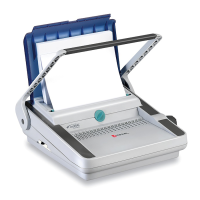
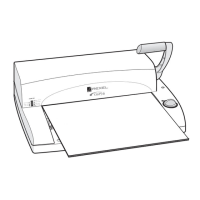
● Load the front cover onto the open comb and lower it towards the
front of the machine. [Fig. 5]
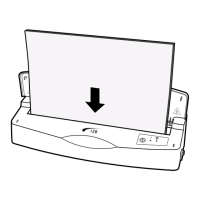
● Load the internal sheets onto the open comb, repeating until all
are loaded.
● Load the rear cover onto the open comb.
● Rewind the comb opening knob and remove the bound
document.
7. Correcting a Bound Document
Additional sheets may be included or removed at any time by opening
and then closing the comb binding as described in sections 3 and 6
8. Emptying the Waste Tray
Important: The waste tray must ONLY be emptied with the machine
supported in a upright position.
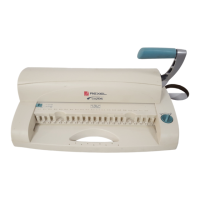
● Stand the machine upright.
● Unclip the tray from the underside of the machine. [Fig. 6]
● When refitting the tray ensure that it clicks firmly into place before
returning the machine to normal operation.
9. Storage
● Lower the handle, if raised.
The machine incorporates feet at the rear to allow vertical storage.
10. Security
● A Security Slot is fitted for use with leading makes of security
leash. E.g.: Kensington Microsaver ( ).
Technical data subject to change without notification
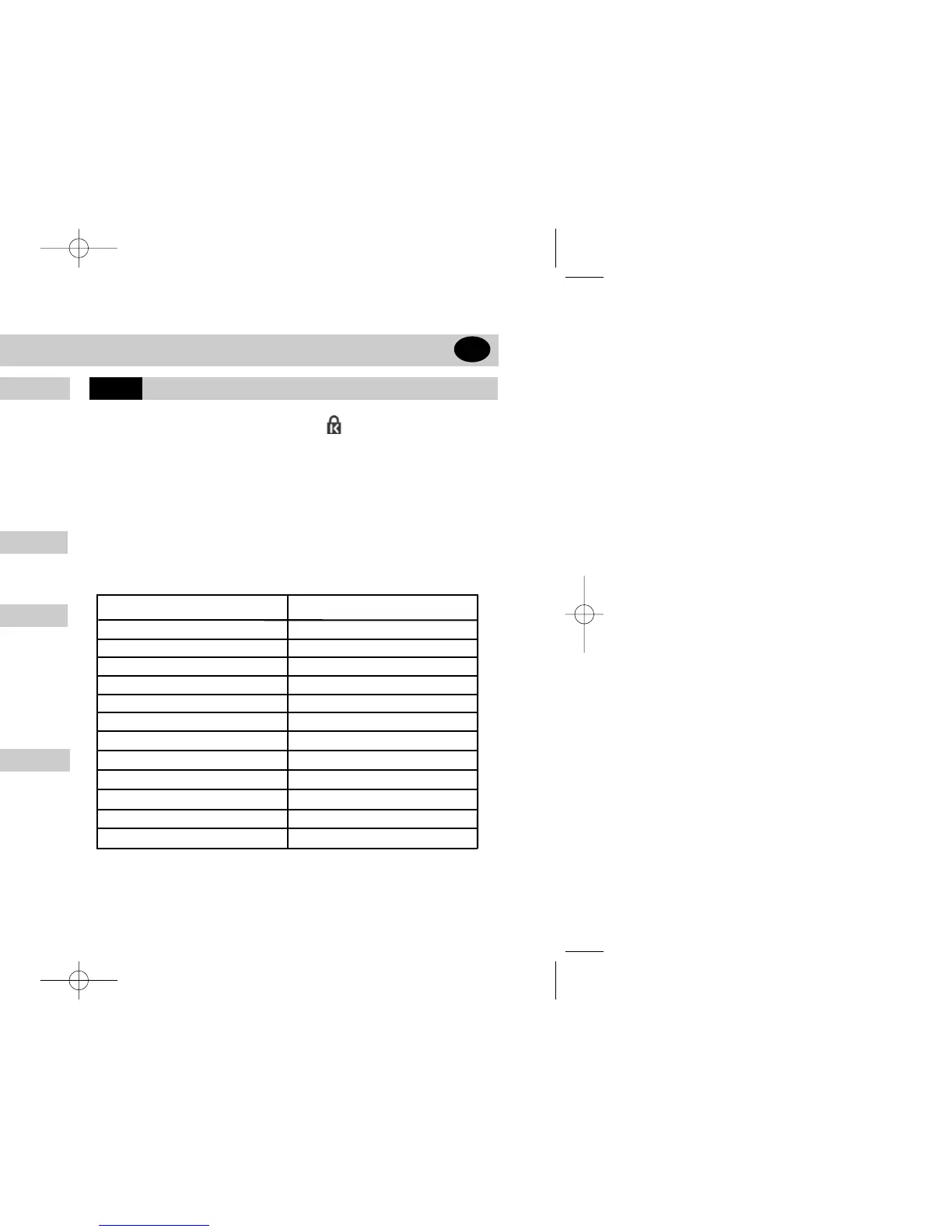
Operation Mode
Max. binding size
Hole pitch
Number of punch slots
Margin depth
Punching - paper (80gsm)
Max. punching - plastic foils (0.2mm)
Min. comb diameter
Max. comb diameter
Max. document size (sheets)
Net weight (kg)
Dimensions (cm)
CB256
manual
DIN A4 (max. 310mm)
US Pitch 9/16” / 14.28mm
21 fixed
fixed 2.5mm
max. 15
max. 2
5mm
20mm
170
5.6
44 x 33 x 14
Technical Data
GB


 To Next Page