16
1. Install EShare for Android
Please make sure your android device is connected to the same network with
your projector, launch EShareServer on the projector, scan the QR code or visit the
web page according to the IP address provided, download and install EShare for
Android.
2. Connect to Projector
After the installation of EShare, launch it on your Android device, and it will start
to search for the projector in the same network. Then choose and click on the
device name which you want to connect in the device list.
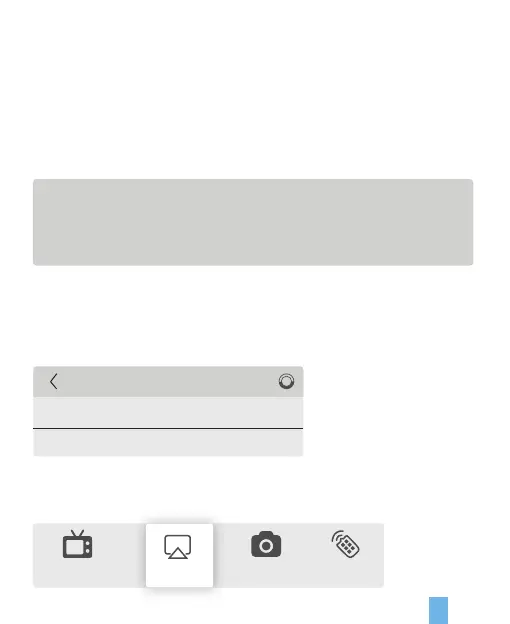
1. Connect your device to XXXXX;
2. Visit http://192.168.XX.XX:8000 with web browser or
scan the QR-code to download the app.
3. Launch EShare and click on EShare-XXXX to connect.
3. Wireless Mirroring
Click on the “Mirroring” button in EShare, the screen will be mirrored to your projector.
TV Mirror Camera Remote
Miracast
Device List
EShare-XXXX
EShare-XXXX
192.168.0.XXX
192.168.0.XXX
Mirroring


 To Next Page