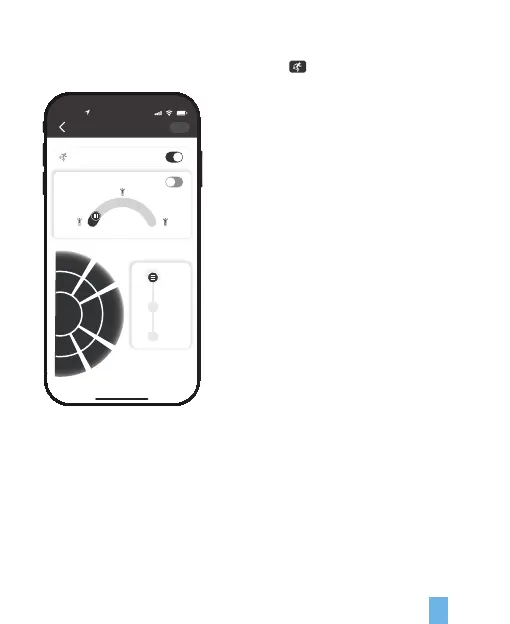
How to adjust Motion Detection Sensitivity?
17
From the home page, tap the Motion Detection icon.
10:25
Motion Settings
Save
Turn on humanoid detection
Motion
1 25 100
Medium
Low
Records and notifies you
about every motion.
Shortest battery life.
Zone
Motion Detection Sensitivity
• High: Records and notifies you about every motion. Shortest battery life.
• Medium: Records and notifies you about motion less often. Standard battery life.
• Low: Records and notifies you about motion even less often. Maximum battery
life.
High


 To Next Page