18
How to enable notifications on my phone?
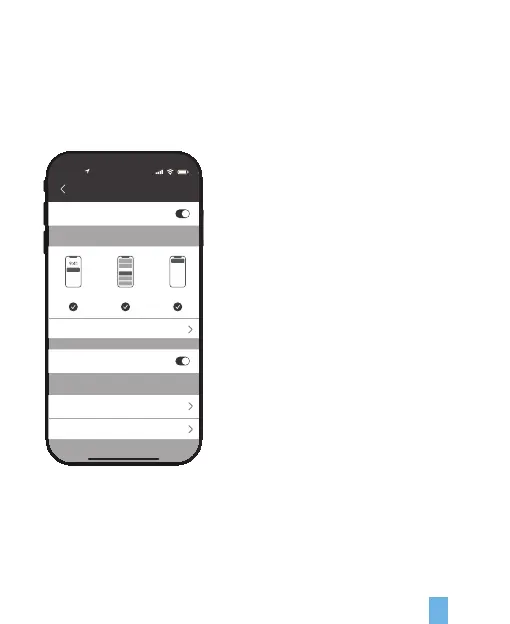
To do this, you need to give permission for the Rexing Home app to access to your
microphone and enable notifications. Follow these steps to enable notifications.
1. Open Settings. Go to Notifications.
2. Make sure all switches are ON for Rexing Home.
Allow Notification
ALERTS
OPTIONS
Lock Screen Notification Center Banners
Temporary
Always (Default)
Automatic
Device Scan
Sounds
Show Previews
Notification Grouping
10:25
Device Scan
Notification


 To Next Page