Basic Operation
Car Media Receiver
Notes:
6
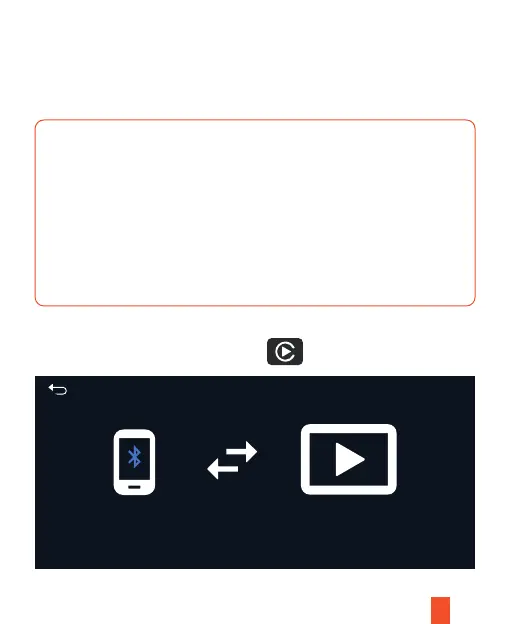
Connect with Apple CarPlay
• The CarPlay (iPhone) and Android Auto cannot be connected and used at
the same time.
• The device will save the last iPhone/Android phone used as default,
which will connect automatically next time.
• When connecting via Carplay or Android Auto, the device touch tone or
camera tone will be muted.
• Make sure the Bluetooth and Wi-Fi settings are set to "ON" on your phone.
Please connect the mobile phone to the Bluetooth device first: CAR-KIT-XXXX
After the connection is completed, it will automatically connect to the mobile WiFi.


 To Next Page