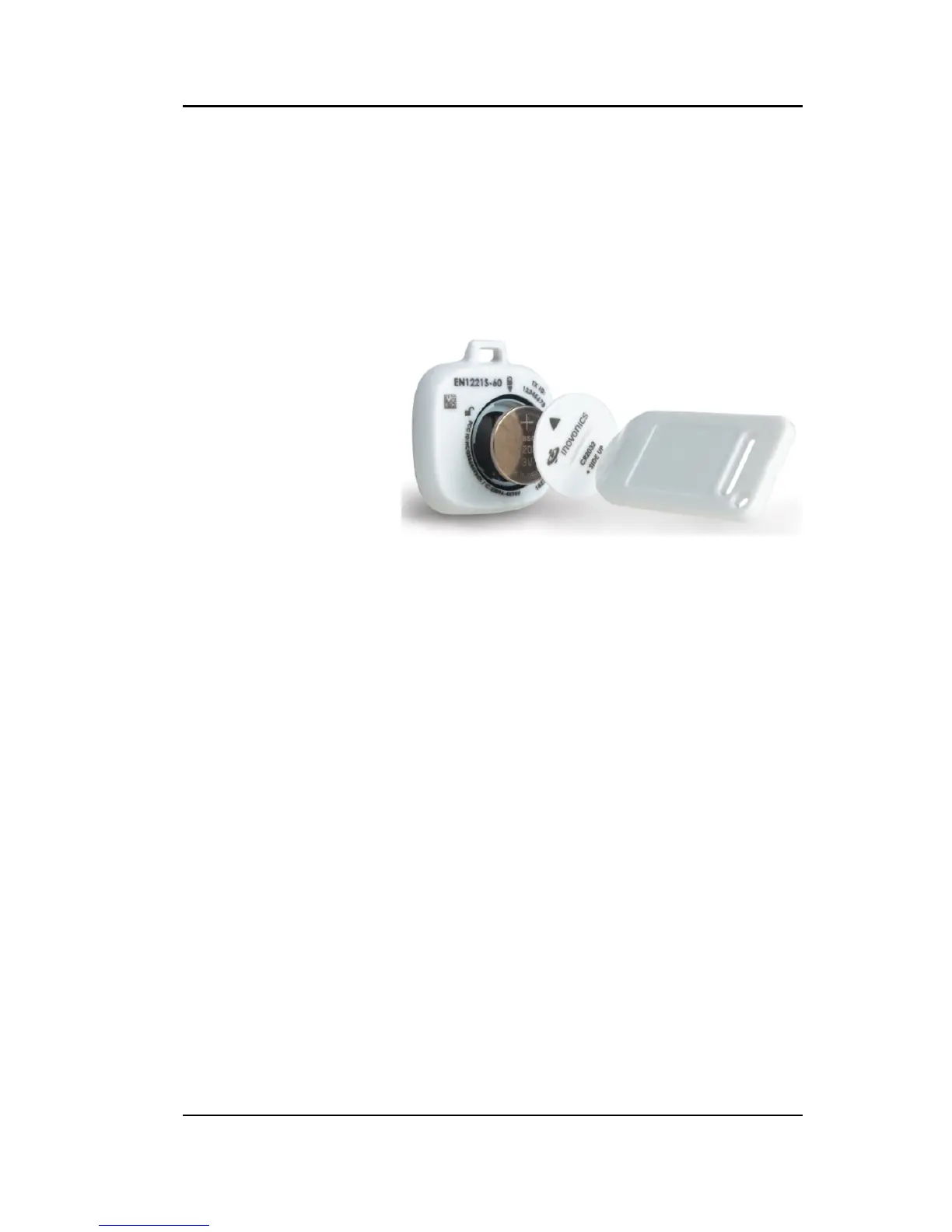
RF Technologies uses only Panasonic 3.0 V
Coin Cell Lithium Battery model # CR 2032.
These batteries provide 10 to 30 percent
more power than other batteries of the same
size.
Based on use, it will last approximately 1
year.
To activate the pendant:
The replaceable 3V coin cell battery will
need to be installed in order to activate the
Pendant.
1. Insert the coin cell battery into the
battery compartment. Be sure to align
the positive (+) end of the battery (plus
side up) as marked inside the battery
holder.
2. Place the battery door so that the arrow
lines up with the open padlock icon. Use
the alarm clearance card or quarter and
turn clockwise until locked.
3. Press the activation button to verify the
pendant alarms then clear the alarm
with the Clearance Card.



 To Next Page