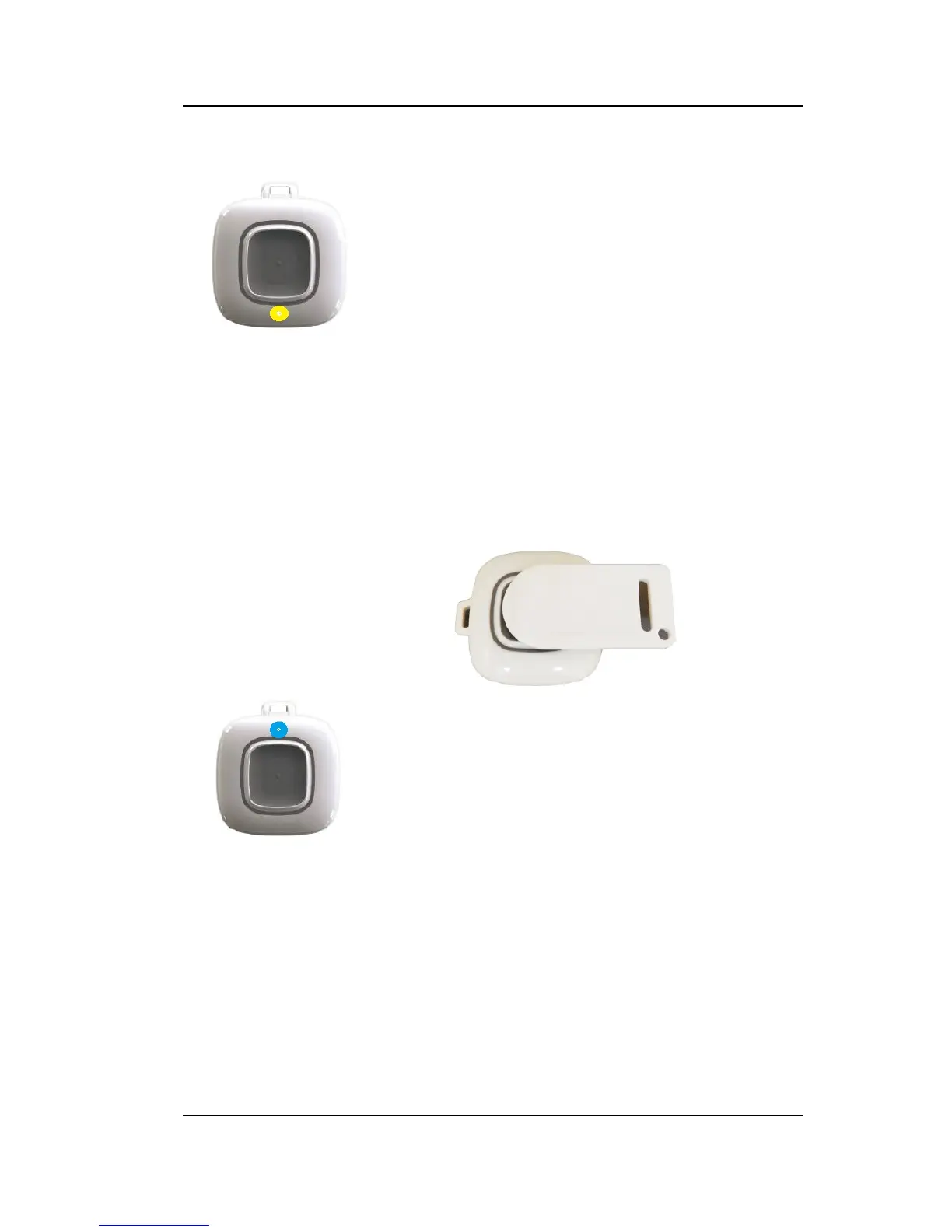
When a low battery is detected, the software
will generate a low battery alarm. The Staff
will have two days to replace the battery
before the yellow low battery LED on the
bottom of the pendant begins to blink,
informing the resident of the condition.
The yellow LED continues to flash for 5
days then the pendant will automatically go
into storage mode unless the battery is
replaced.
Clearing
The Quick Touch Pendant comes with an
Alarm Clearance Card to clear alarms.
Place the dot on the alarm clearance card
over the activation button.
The red LED will stop flashing and a blue
LED will rapidly flash 6 times to indicate the
alarm has been cleared.
The alarm can also be cleared by pressing
the activation button quickly 3 times. When
the blue LED flashes twice, quickly press
the activation button three more times. The
blue LED will rapidly flash 6 times to
indicate the alarm has been cleared



 To Next Page