CS-600B OPERATION MANUAL V1.1
Page 8 of 15
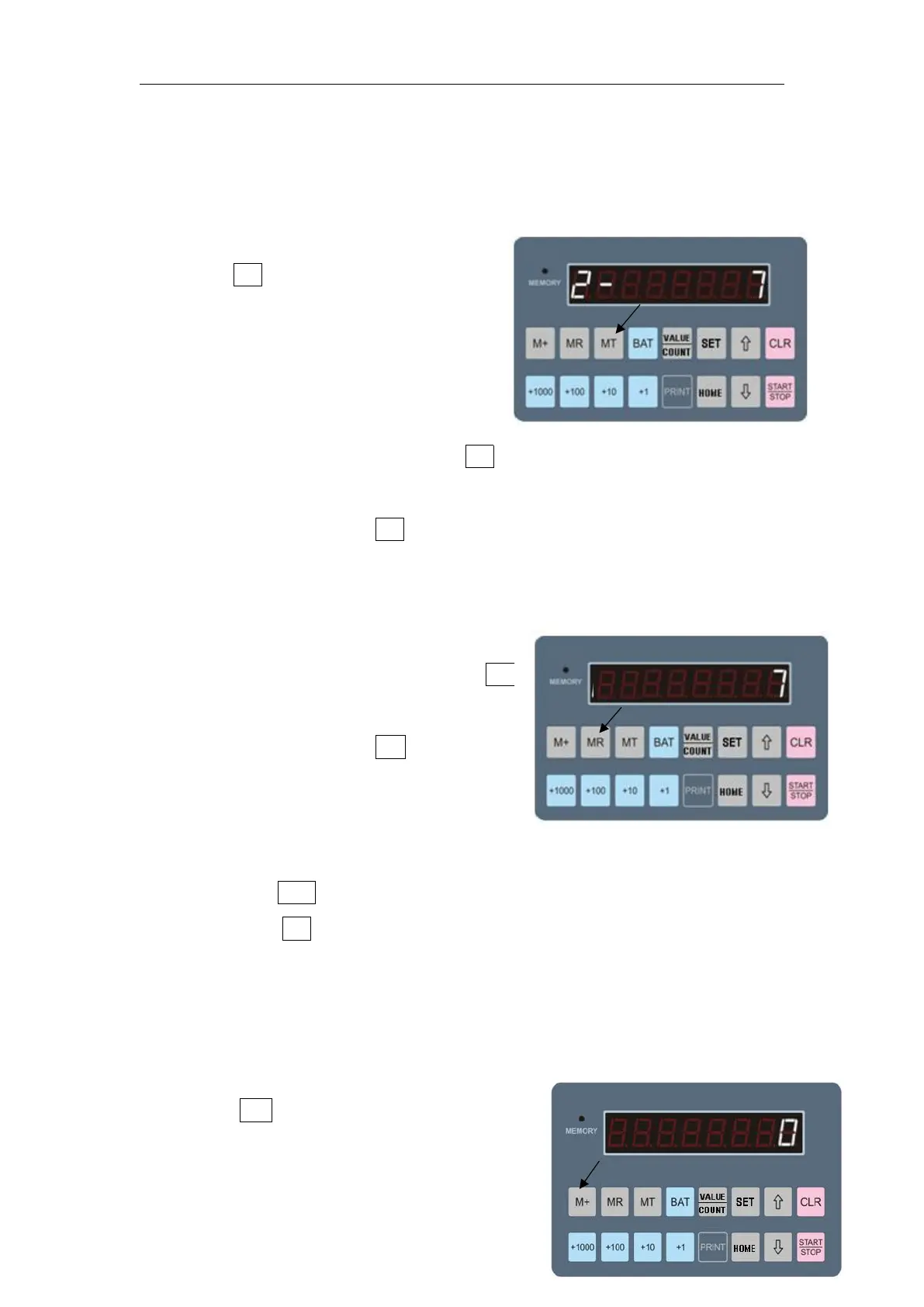
Data save:
·Press MT key to save the data and
the indicating lamp is on
·If the indicating lamp is ON, it
means the channel is with data
saved inside;
·In single channel modes, press MT to save the data of this channel
only;
·In total mode, press MT to save the data of all the channels.
Read the memory data:
·In single channel modes, press MR
to read out this channel only;
·In total mode, press MR to read the
total.
Memory Clearance:
·First press CLR key to clear the current data;
·Then press MT to clear data. After data is removed, the indicating
lamp will be OFF.
Accumulation saving:
·Press M+ key to accumulate the
current data with the previously
counted data, then save it and the


 To Next Page