CS-610S+PRO Operation Manual V1.3
Page 13 of 16
4. PRINT
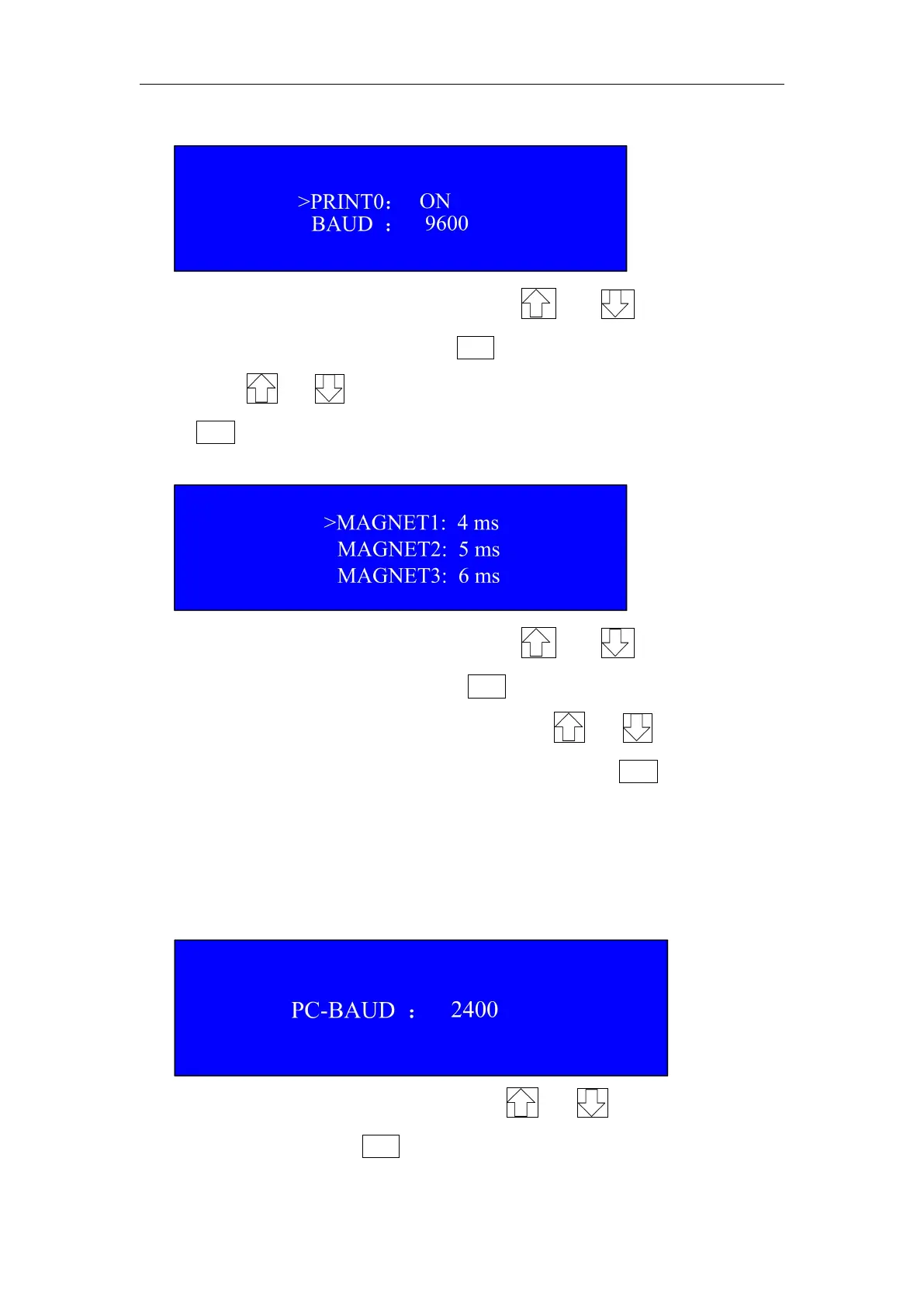
Under this interface, please press or key to choose
PRINT 0 or set BAUD rate. Press SET key to choose either one, and
then press or key to turn ON/OFF the function. After setting,
press ESC key to return to main menu interface.
5. MAGNET
Under this interface, please press or key to choose
MAGNET 1,2, or 3, and then press SET key to set solenoid activation
time(suggested range is 3~9ms). By press or key, the time
will be increased or decreased. After setting, press ESC key to return
to main menu interface.
Notes: MAGNET 2 AND MAGNET 3 are reserved in software and
user does not need to set it
6.PC-SET
Under this interface, please press or key to choose set
PC- BAUD rate. Press SET key to choose either one, After setting,


 To Next Page