CS-610S+PRO Operation Manual V1.3
Page 8 of 16
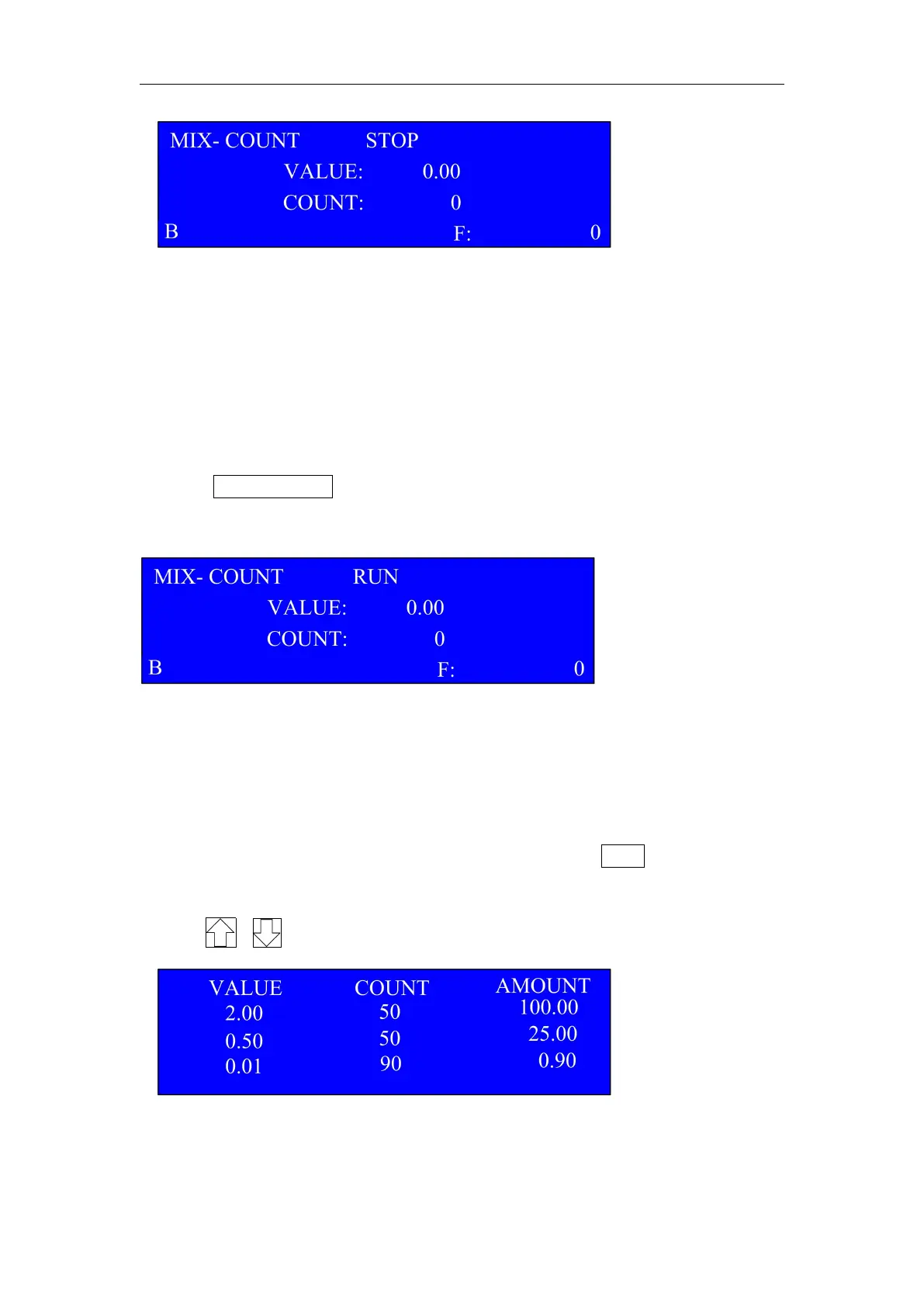
MIX-COUNT means mix-counting mode
RUN/STOP is the sign showing machine’s running or stop status.
B is the sign of Batch Function is ON.
VALUE is for total Amount. COUNT is for total Quantity, F shows the
quantity of foreign/fake coins.
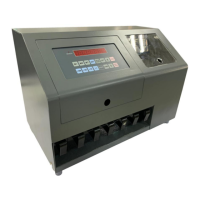
·Press START/STOP key,the machine will enter into Total Amount &
Quantity Display Mode interface:
At the same time, Motor will begin to run to get the machine work.
When coin sorting is finished, it will display the sorting result of
genuine and foreign coins on the above interface. The foreign coins
will be rejected into the right-most Rejected Coin Drawer.
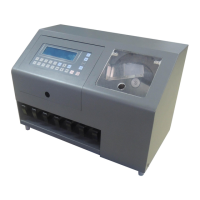
After the machine stops running, press LIST key to check
Separate Channel Amount & Quantity Display Mode, shown as follows:
(Press , key to turn to choose different channel)


 To Next Page