Modification of synchro lyrics
1. Open WordPad to modify the music lyrics that are displayed in synchro.
Description of the lyrics text format (MM:SS)...
(modification of lines).
2. Save the file, which bears the same name as the song wit the ".LRC"
extension, after having modified it.
3. Copy the file to your MP3 player: the song lyrics will be displayed during
playback.
Photo mode
1. Press and hold the PLAY button to turn on the device.
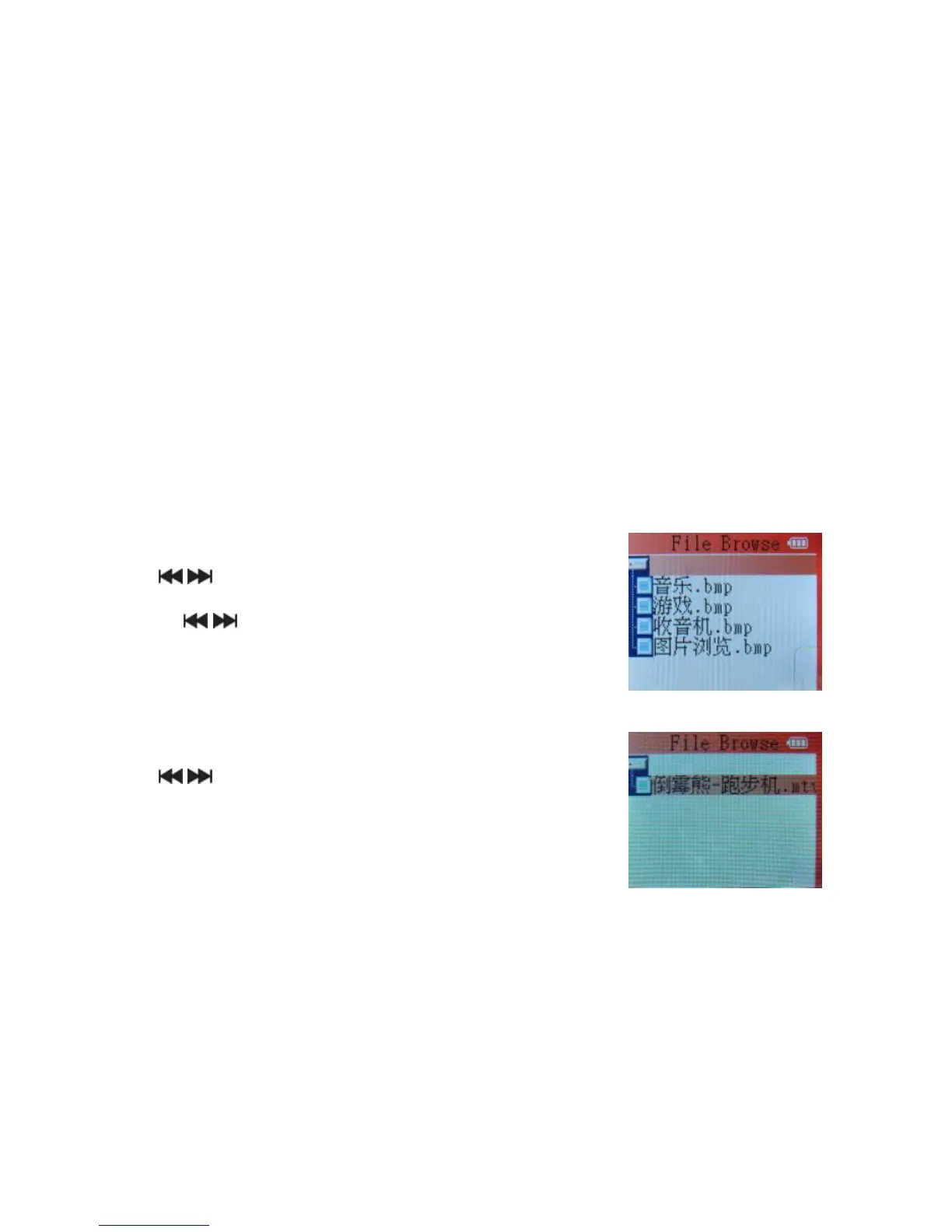
2. Use the buttons to select "Photo", then press
MENU button to switch to Photo mode.
3. Use the buttons to select the previous/next photo,
then press PLAY to display the photo.
4. Press and hold the MENU button to exit the Photo mode.
Video mode
1. Press and hold the PLAY button to turn on the device.
2. Use the buttons to select the Video mode.
3. Press the PLAY button to start video playback.
4. In playback mode, press the MENU button for repeat playback.
5. Press and hold the MENU button to exit the Video mode.



 To Next Page