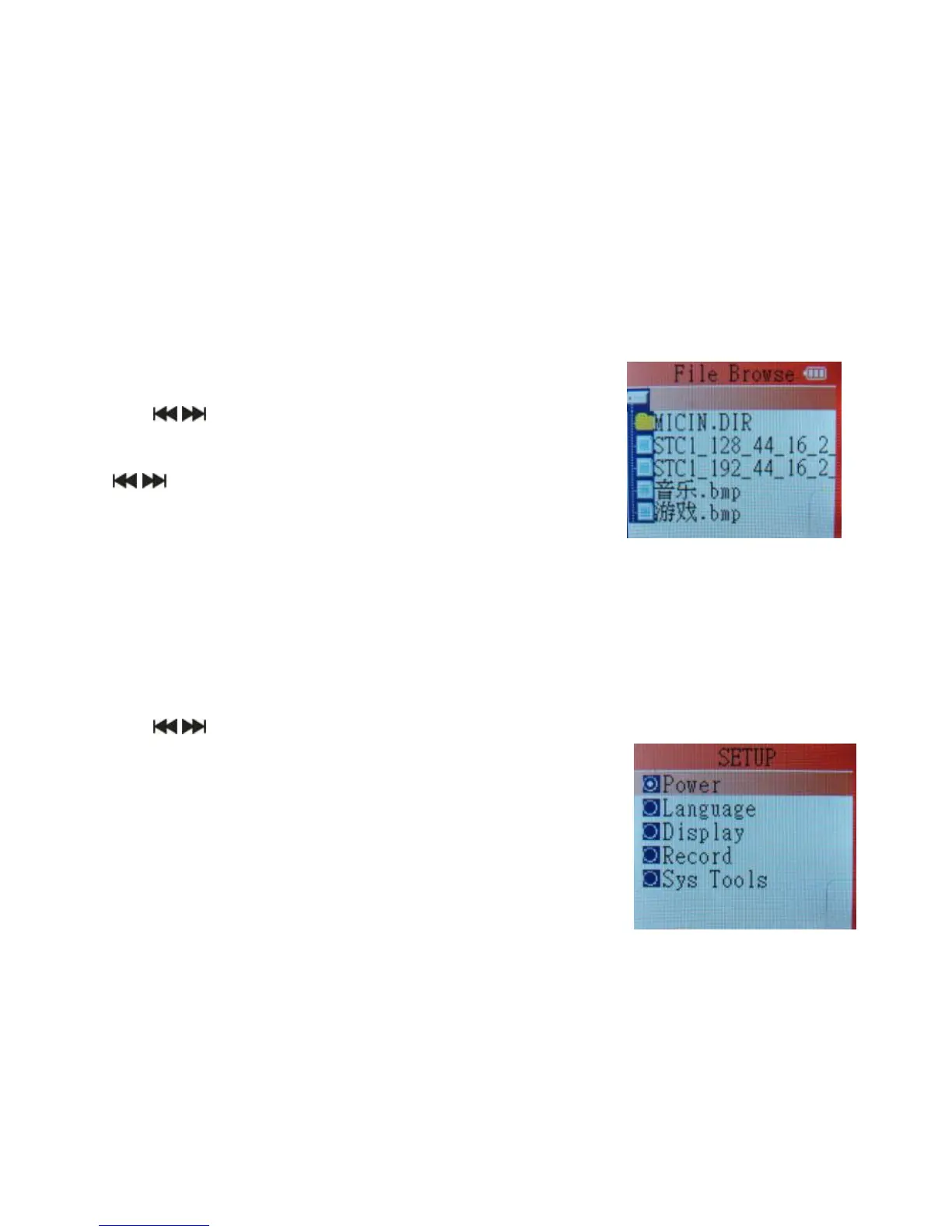
File management
1. Press and hold the PLAY button to turn on the device.
2. Use the buttons to select the file.
3. Press MENU to enter the submenu:
File deletion: Press the MENU button, then use
the buttons to select Yes or No.
4. Press MENU to confirm.
5. Press and hold the MENU button to exit the file
management mode.
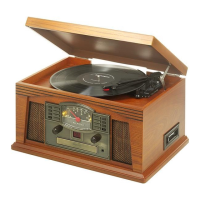
System setup
1. Press and hold the PLAY button to turn on the device.
2. Use the buttons to select the system setup mode.
3. Press MENU to enter the system setup menu.
4. Press and hold the MENU button to exit the mode.
System setup options:
1. Power
2. Language
3. Display
4. Record
5. Sys Tools



 To Next Page