100
MO-C1 Training
Slide 100
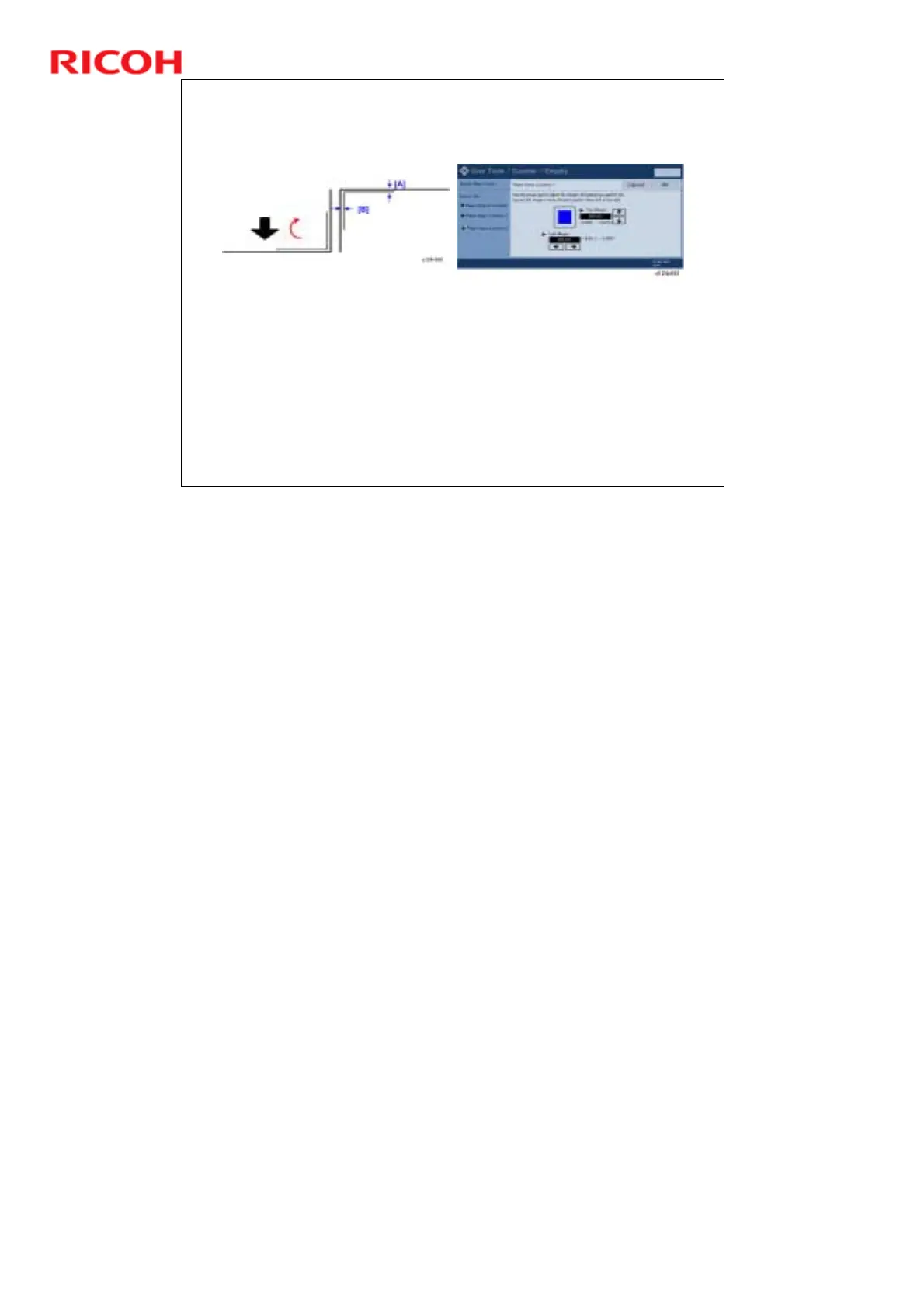
Adjust Print Position - 2
A test pattern prints. The black arrow indicates the direction of
paper feed.
Rotate the test sheet 180 degrees. [A] is the top margin and [B] is
the left margin.
Touch the arrow keys to adjust the margins.
Increasing the value for the top and left margin moves the print
position down and to the right.
You will see the blue square move as you change the settings, so
you can confirm the effect of the changes.
No additional notes



 To Next Page