158
MO-C1 Training
Slide 158
Reinstalling the Original Stacker
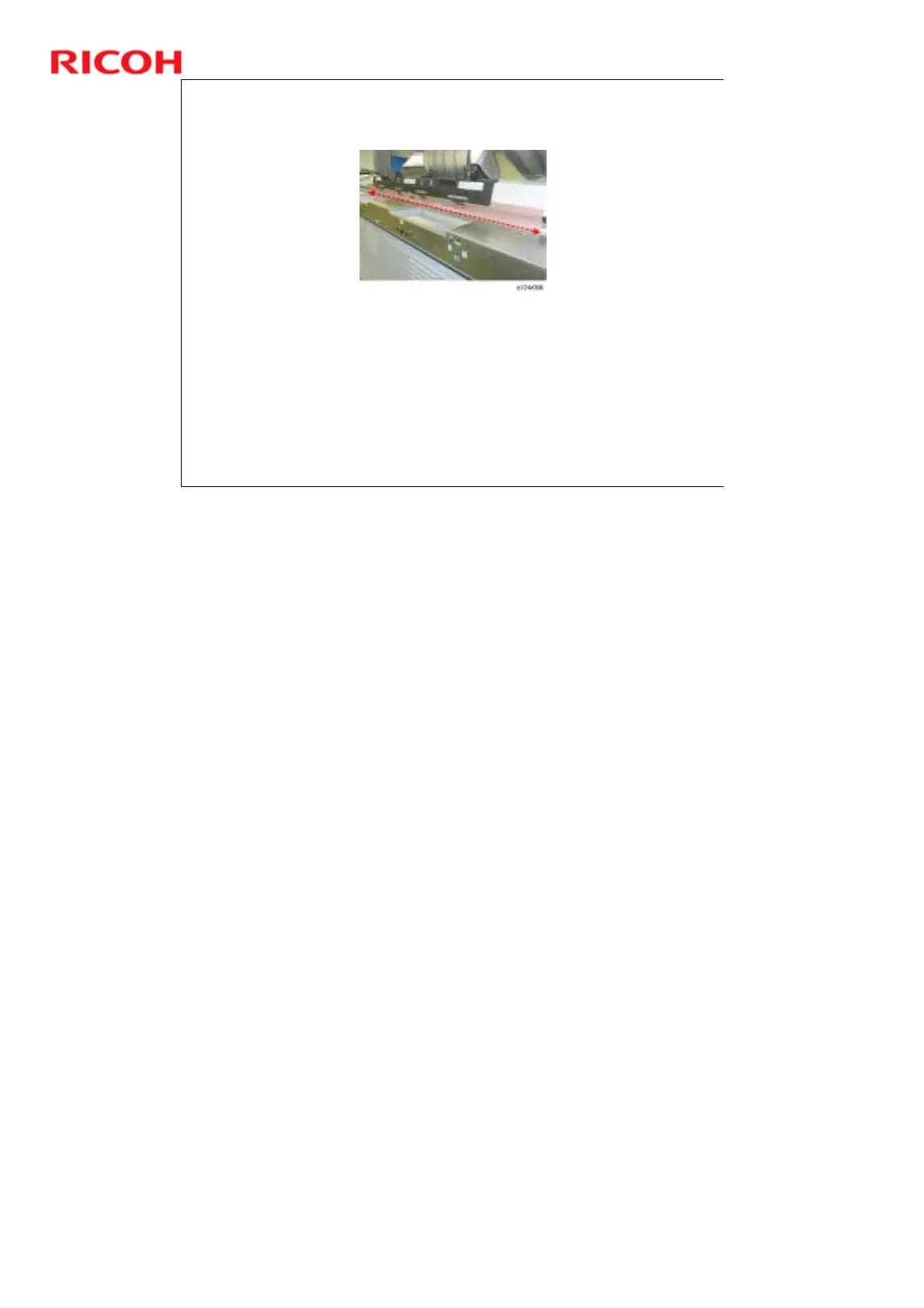
Pull out the light shield and confirm that the gap at the top
of the scanner unit is completely covered.
This light shield prevents light from entering the scanner
unit.
If this gap is not covered, strong light could enter the back
of the scanner unit and cause image distortion during
scanning.
Replacement and Adjustment > Common Procedures



 To Next Page