427
MO-C1 Training
Slide 427
Energy Saver Modes - 1/2
Energy saver mode should be utilized to save energy & protect
environment.
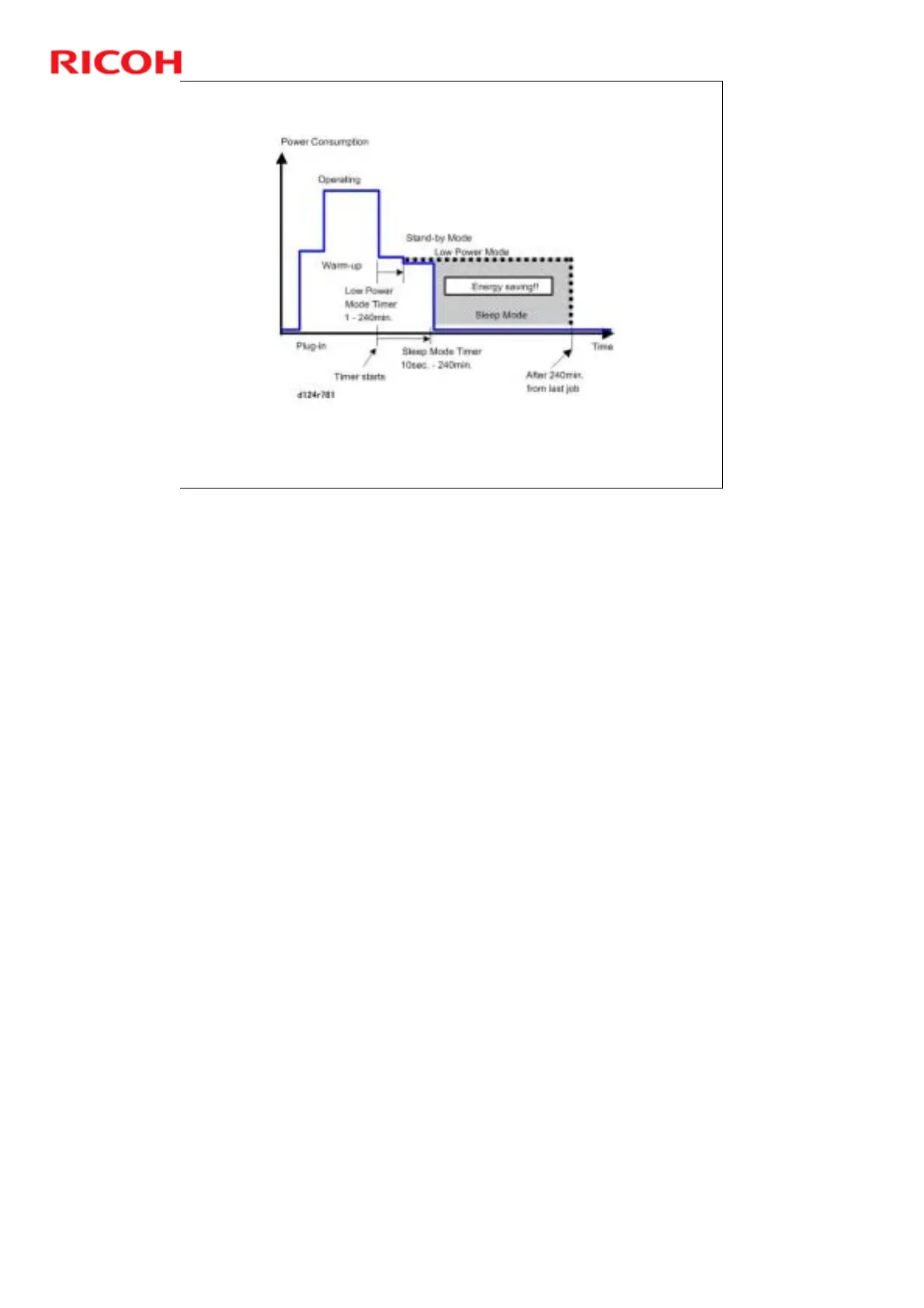
Area shaded grey in diagram above represents amount of energy
saved.
Energy Saver Modes
Customers should use energy saver modes properly, to save energy and protect
the environment.
The area shaded grey in this diagram represents the amount of energy that is
saved when the timers are at the default settings. If the timers are changed, then
the energy saved will be different. For example, if the timers are all set to 240
min., the grey area will disappear, and no energy is saved before 240 min.
expires.



 To Next Page