74
MO-C1 Training
Slide 74
Ink Filling - 2
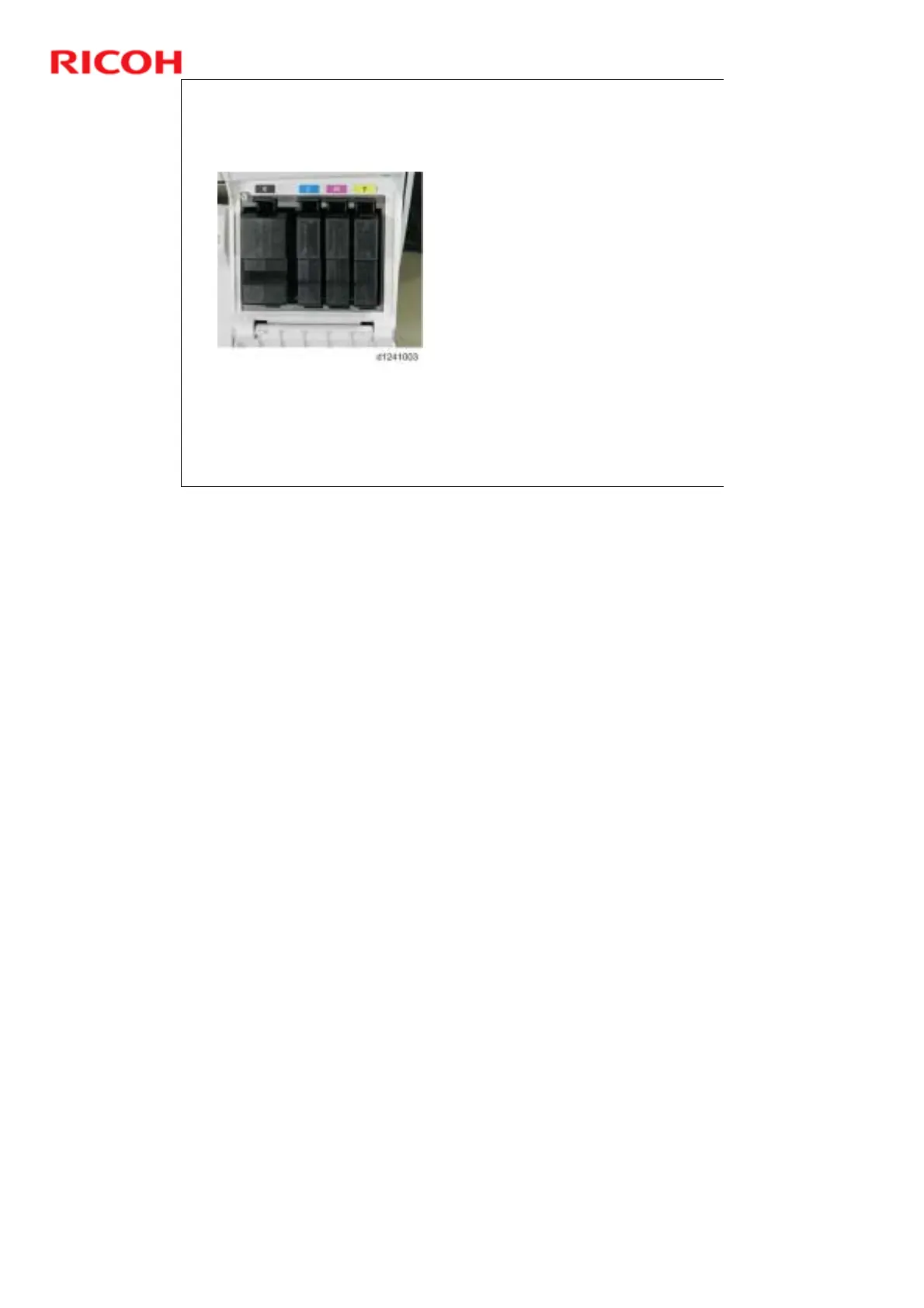
Insert the primer fluid drain
cartridges, then close the ink
cartridge cover.
Turn the machine power on,
wait for the machine to beep
twice, and make sure that
SP2012-001 is set to "9".
Next, set SP2100-004 to "15“
and press #.
The ink pumps start
operating in reverse to
draw the fluid out of the
print heads and the tubes.
This takes about 7 min.
and 20 sec.
When the display shows that
the operation is finished, turn
the machine off.
If draining does not start,
there is an alternative
procedure (explained later).
At the end of the procedure, the machine disables the primer cartridges so that
they can no longer be used.



 To Next Page