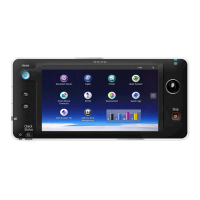
! Updating Smart Operation Panel G1.0 to
version G1.5 (Ricoh Service Rep ONLY)
Download the latest SOP firmware listed
below from TSRC. See next page for location
of firmware at TSRC website.
! Install firmware in the following order:
1. OS_SmartOperationPanel
2. SDKService
3. Web Browser NX
Module Software Version
OS_SmartOperationPanel D1501440S 1.34
SDKService D1501437D 1.04.00
Web Browser NX D1501434D 1.301.0
Legacy UI D1501443N 1.26
Quick Copy D1501445G 1.16
Banner D1501448G 1.12
StateInfo D1501450H 1.20
Quick Scanner` D1501446E 1.13
Announce D1501449E 1.10
Smart Operation Panel G1.5
5


 To Next Page
 Loading...