

 Need help?
Do you have a question about the Ricoh SP C440dn and is the answer not in the manual?
Information on how to read manuals, understand symbols, and identify region-specific details for printer setup.
Explains symbols, key sequences, and region indicators used in the manual for user guidance.
Details how to identify your printer's region based on label information for correct usage.
Provides a comprehensive list of available printer options and their commonly used names.
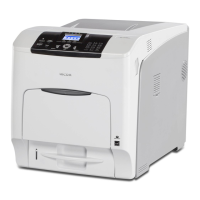
Describes the printer's exterior and interior components, detailing their names and functions.
Outlines the essential steps for loading paper, including checking trays and setting paper size/type.
Details the available paper sizes for each tray, including dimensions and compatibility.
Lists supported paper types and their compatibility across different printer trays.
Provides essential guidelines and warnings for handling and loading paper to prevent misfeeds and damage.
Explains various beep patterns, their meanings, and potential causes for alerts.
Describes the meaning of indicator lamps, status icons, and control panel messages.
Offers troubleshooting steps and solutions for common problems encountered with USB connections.
Lists common status and alert messages with their causes and recommended solutions.





 To Next Page


 General