VAULT CSMART WIRELESS RM311 / RM313 / RM472 / RM473 / RM474 / RM486
CLEANING, MAINTENANCE & STORAGE GUIDELINES:
1. To protect the long-term capacity of your Vault C-Smart Wireless, please unplug the power cable promptly
upon display of a full charge.
2. Keep the product away from extreme heat or cold, as well as any flammable items or damp places.
Also avoid sudden acceleration/deceleration and impact on hard surfaces.
3. THIS DEVICE IS NOT WATERPROOF. Please keep it well away from sources of moisture.
4. Run a full charge/discharge cycle at least once every four months to avoid shortening the lifespan of the
internal battery.
5. If long term storage is likely to occur between uses, we recommend to store at approximately 50% of full
charge. Never store the device for long periods when empty as this may cause irreversible damage – always
apply a small top up charge as soon as possible.
6. Although this device is capable of passthrough charging, avoid charging and discharging the Vault C-Smart
Wireless at the same time as this may reduce the battery’s lifespan.
7. Using your RidgeMonkey Vault C-Smart Wireless in temperatures below 0C or above 40C is highly
inadvisable and will likely cause irrepairable damage to the internal battery of either the Vault C-Smart Wireless
or the device being charged.
8. If the Vault C-Smart Wireless does not automatically start charging a connected device when using the
USB-A or USB-C port, press the power button once to manually activate the USB circuitboard. If charging still
does not start, disconnect and reconnect the USB cable. If charging still does not start, proceed to FAQ #4 of
this instruction manual.
9 10
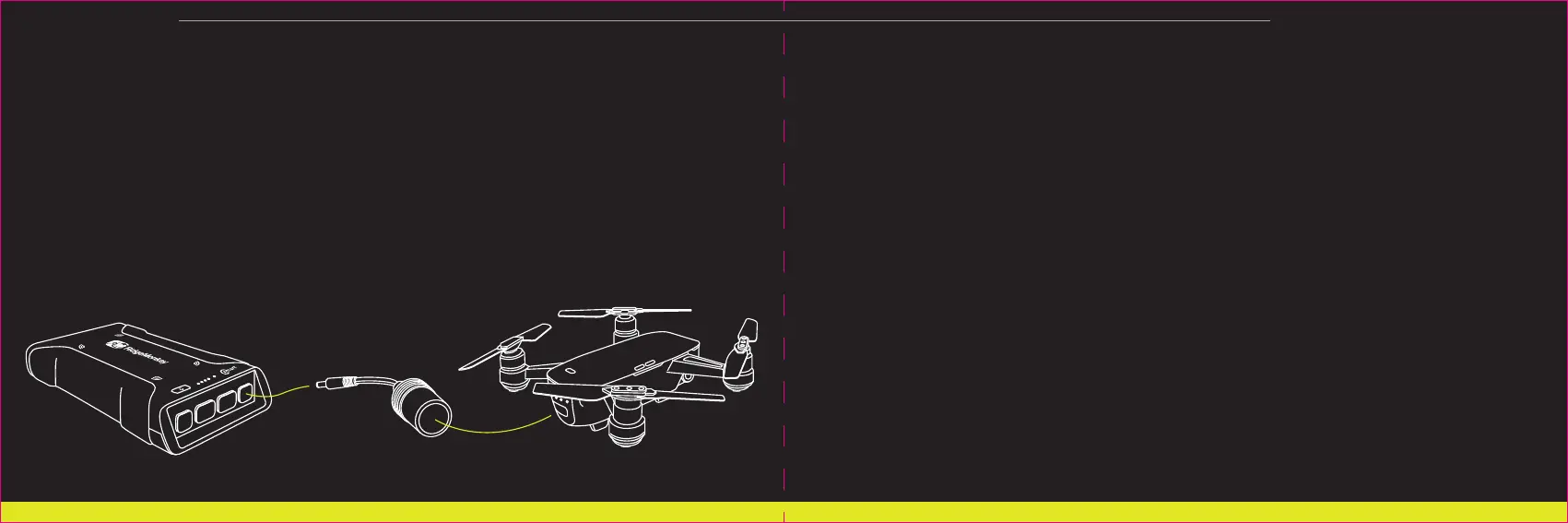
USING THE VAULT CSMART WIRELESS TO CHARGEPOWER A 12V DEVICE:
1. Connect your device to the 12V DC port or cigarette adaptor socket of the Vault C-Smart Wireless,
ensuring a secure fit.
2. The socket will automatically power the connected device.
3. To turn off the device, unplug it from the Vault C-Smart Wireless.
NEVER connect the other output ports of the Vault C-Smart Wireless to the USB-C port, not even momentarily.
Doing so may void your warranty, permanently damage your device and may lead to fire and/or explosion.
The Vault C-Smart Wireless is fitted with an automatic over-current trip switch. If the maximum rated output is
exceeded across connected devices OR if the Vault C-Smart Wireless detects a short circuit in a connected
device, the internal protection circuit will activate. To reset, unplug all devices and connect the Vault to a USB
power source, as per the charging instruction section.



 To Next Page