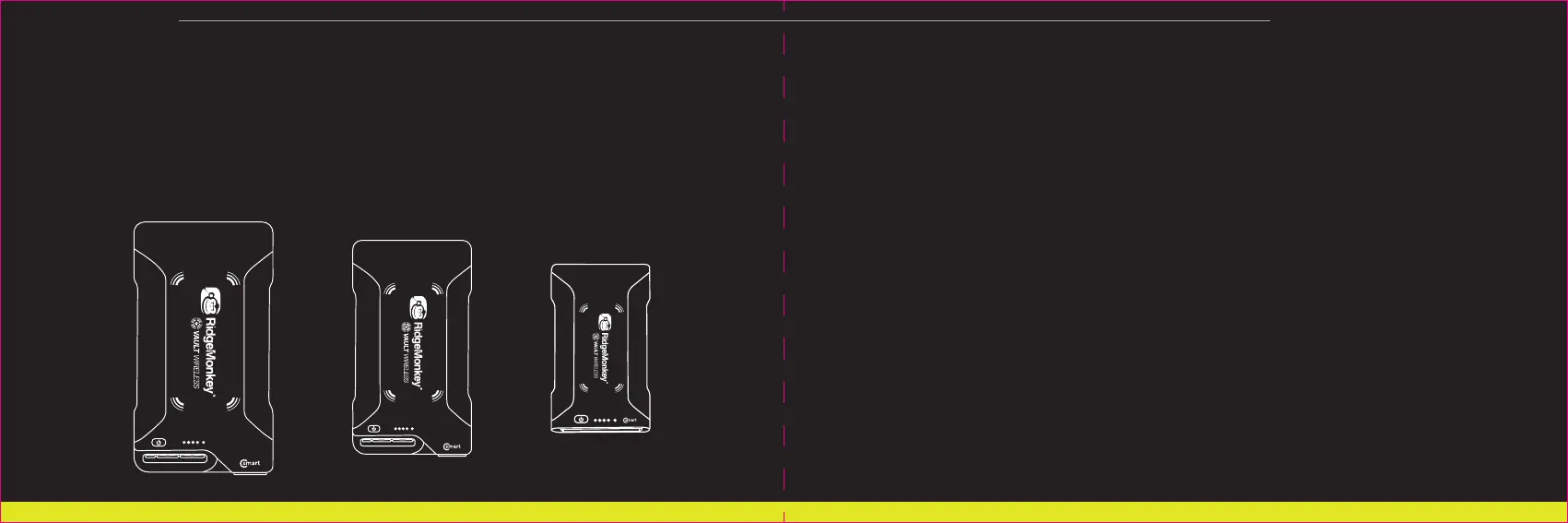
VAULT CSMART WIRELESS RM311 / RM313 / RM472 / RM473 / RM474 / RM486
9. Many premium electronic devices will refuse to accept a charge in extreme temperatures which will, in turn,
trigger the Vault C-Smart’s automatic power-saving shut off due to no current being drawn by the connected
device. This situation will be resolved upon return to acceptable operating temperature.
10. To ensure optimum results when using the wireless charging pad, ensure that the LED power capacity
meter of the Vault C-Smart Wireless shows at least 1 full bar. Attempting to use the wireless pad with a very low
internal battery may result in unsatisfactory performance.
11. Do not attempt to use wired and wireless connections to charge the same device simultaneously. Always
follow your device manufacturer’s charging instructions for optimum performance.
FAQ:
1. Which port should I use to power my device?
If your device features a USB-C input port, use of the
Vault C-Smart’s USB-C PD port with a USB-C to USB-C PD
enabled cable will provide optimum results.
Both USB-A ports can charge at speeds of up to 3A (2.4A for the 26950mAh model) - there is no need to decide
between them.
The 12V DC port is used for high-drain products that feature a 12V DC cigar type input, such as portable TV’s,
DVD players, refrigerators and kettles.
Note: a very small number of USB-C devices use a proprietary charging protocol that is incompatible with
USB-C Power Delivery. If you experience issues when using the USB-C PD output, please check USB-C PD
compatibility with the manufacturer of your device.
2. Can I use the Vault C-Smart Wireless to charge multiple devices at the same time?
Yes: up to four outputs can be used at any one time, to a maximum total load of 80W. Do not attempt to use
wired and wireless connections to charge the same device simultaneously. Always follow your device
manufacturer’s charging instructions for optimum performance.
11 12



 To Next Page