STORAGE
D
R
A
I
N
D
R
A
I
N
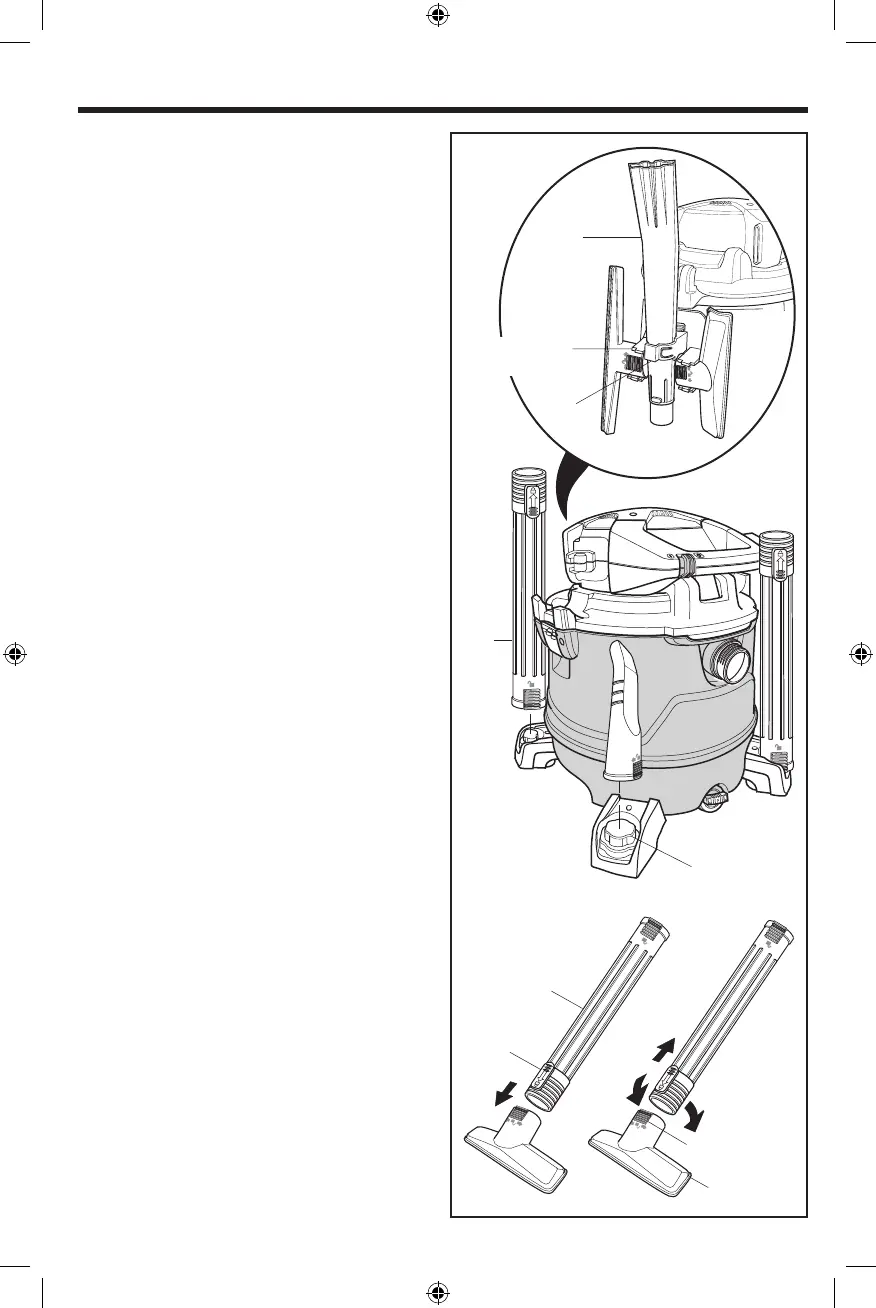
Nozzle Ridges
Locking
Tab
Caster Foot
Post (4)
(L)
(H)
(L)
(K)
Accessory
Accessory Caddy
Side Clip (2)
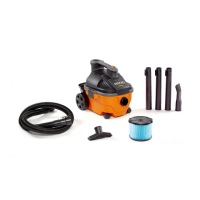
ACCESSORY STORAGE (Fig. 10)
1. For Storage: Slide the Extension Wands (L) and the
Accessories onto the Caster Feet Posts.
2. To Remove Wands and Accessories: Lightly rotate and
pull upward.
3. For extra storage of Accessories use the Accessory
Caddy (H). The Blower Wand (L) fits in the center
opening while other Accessories can be snapped into
the Two Side Clips.
LOCKING ACCESSORIES (Fig. 10)
Your RIDGID Wet/Dry Vac includes Locking Accessories to
prevent the Accessories from falling off when in use.
1. To Connect the Locking Accessories: Align the
Nozzle Ridges of the Accessory with the Locking Tab of
your Extension Wand (K). Press to secure the Nozzle to
the Extension Wand.
2. To Disconnect the Locking Accessories: Twist
the Nozzle and Extension Wand to disengage the
Nozzle Ridges and pull. You may also press the Locking
Tab and pull to disengage.
9
Fig. 10
SP7037-2 HD16000.indb 9SP7037-2 HD16000.indb 9 1/28/21 1:43 PM1/28/21 1:43 PM


 To Next Page