AARIA
46
13. Setting the timer on automatic stop
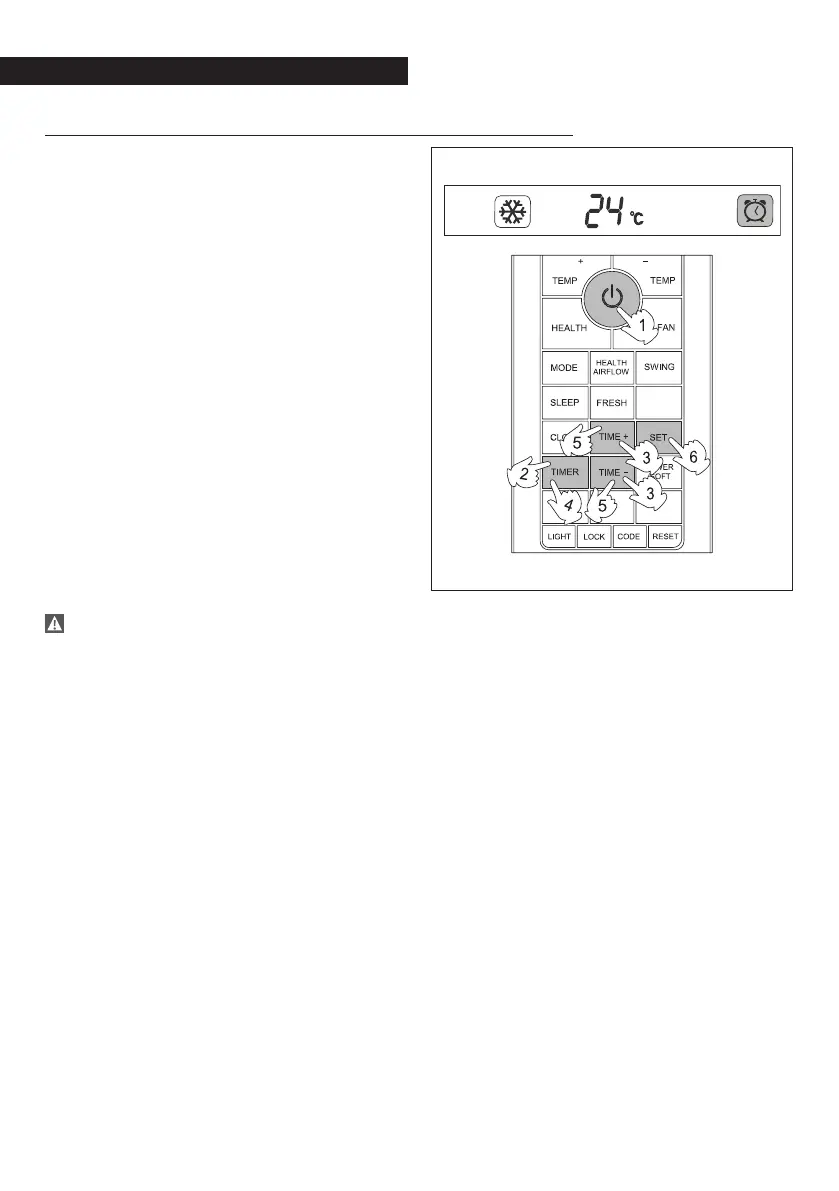
Through the timer function on automatic stop
it is possible to set the time when the device
should stop.
Activation
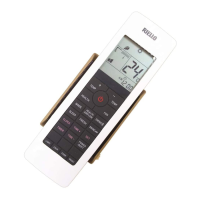
Press the timer button until the off symbols
starts blinking on the display, which aslo
shows the pre-set time.
Operate the time+ and time- keys to change
the time.
Press the set button to confirm.
The “timer” light on the internal unit lights
up.
The off sign on the display stops blinking
and stays on.
Deactivation
Press the timer button repeatedly until all
references to timer function disappear from
the display.
The “timer” light on the indoor unit turns
off.
The programming is stored by the remote
control and is activated every time that
the user presses the timer button followed
by the set button.


 To Next Page