Programmable Relay ● User Manual for ELC, EXM and PR Series 200 2020 v6.0 ● © Rievtech Co.,
Ltd. ● www.rievtech.com
Output ON if Value = Value N + 6.
VALUE N + 7:
Output ON if Value = Value N + 7.
Operation:
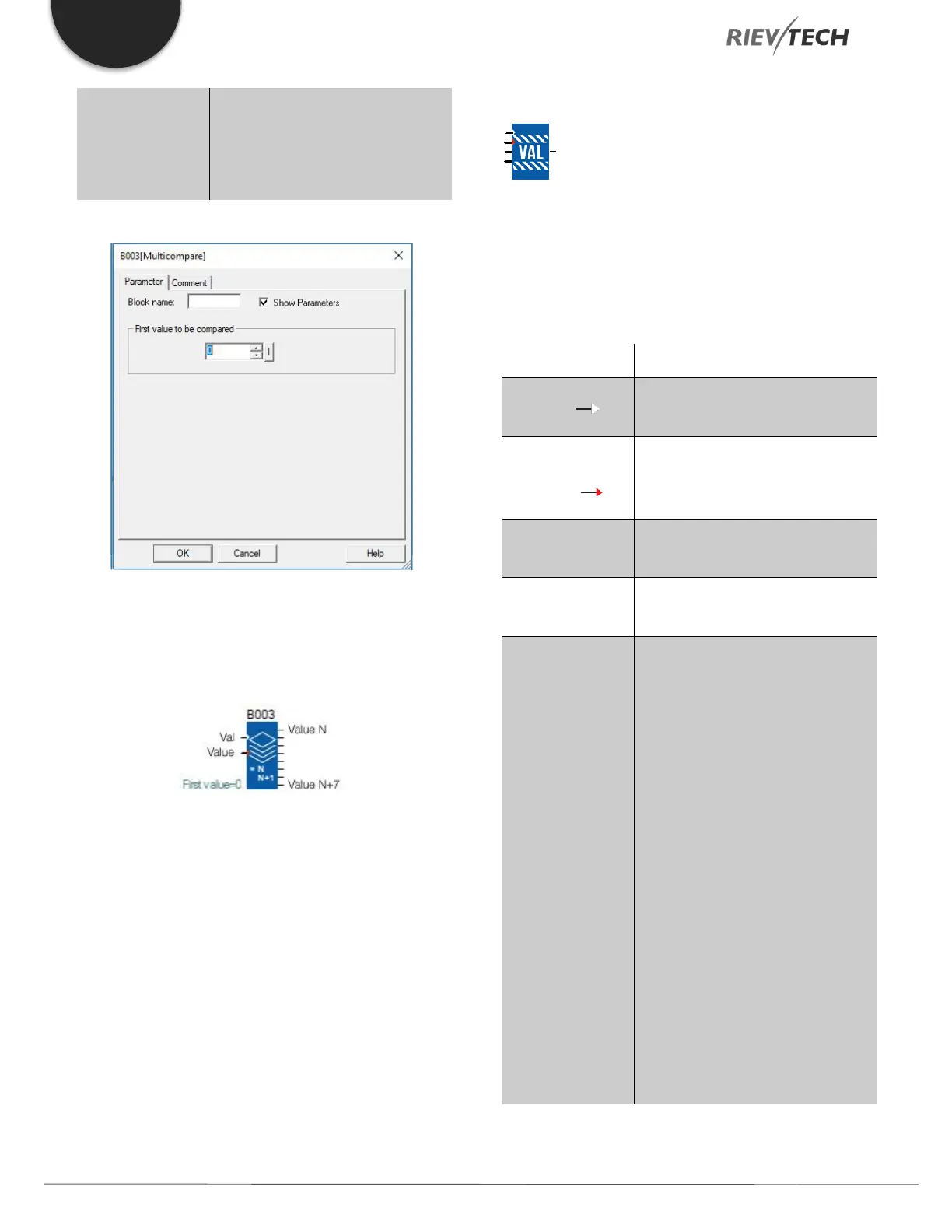
The comparison value (Value N) can be configured. It must
be between 0 and 32760.
Compare in Zone
Description of function
The COMP IN ZONE comparison function is used to
compare one value between two set points (the MIN and
MAX values of the zone).
Discrete enable function input; this
input is Active if it is not connected.
Input Value to
Compare ( )
The value is used to be compared
with the min and max value; whose
type is Integer.
A min value input, whose type is
Integer
A max value input, whose type is
Integer
From the Parameters window, you
can select the state of the output
according to the result of the
comparison:
ON in the zone: the output will be
active. If the input value is between
the two set points (MIN and MAX),
OFF in the zone: the output will
be inactive if the input value is
between the two set points (MIN
and MAX).
If Min is greater than Max, then for:
ON in the zone: the output always
remains inactive,



 To Next Page