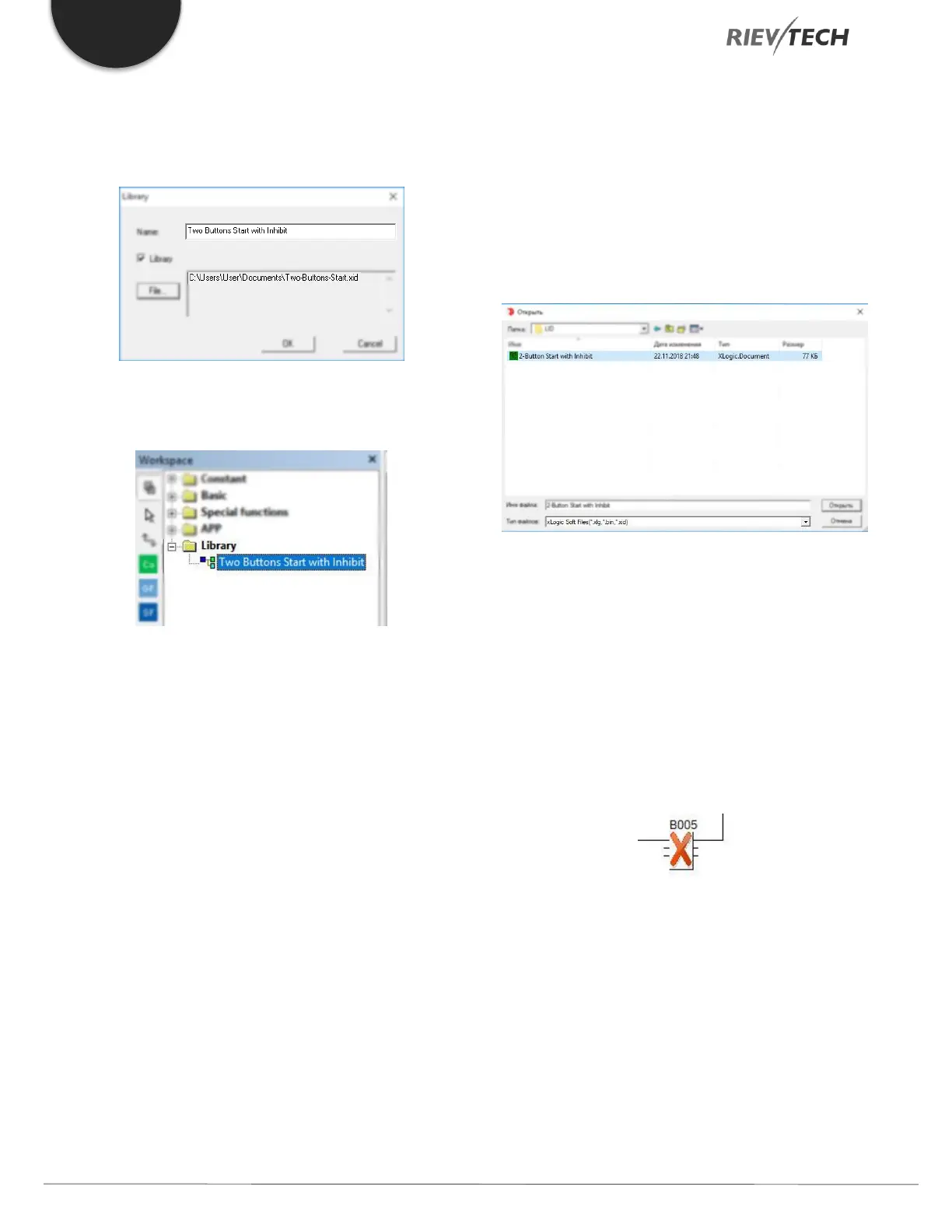
3. Give your new LID block a name. make it something
meaningful as this will be the name which appears in your
Library list:
It will now appear in your xLogicsoft menu tree for use
whenever you need it:
Figure 48 - LID View in Library Tree
Updating the Library Function Block
Open your existing Library function (LID) using the main
menu ‘File…Open’ or Ctrl-O and browse to the directory
in which it is saved. By default, xLogicsoft will assume you
wish to open a standard program ‘.xlg’, so use the ‘File
Type’ dropdown to select ‘*.xid’ or any option including
that extension:
Figure 49 - LID File Selection
Highlight your LID and click Open. You can now freely edit
your Library function.
If you update your Library block after using it in an
xLogicsoft program, when you open the program again,
the library will require updating to the most recent version.
This is indicated in your program by a large Red X in the
LID block:
Figure 50 - LID Update Required
To update the LID block, right-click on it and select
‘Update Library’.



 To Next Page