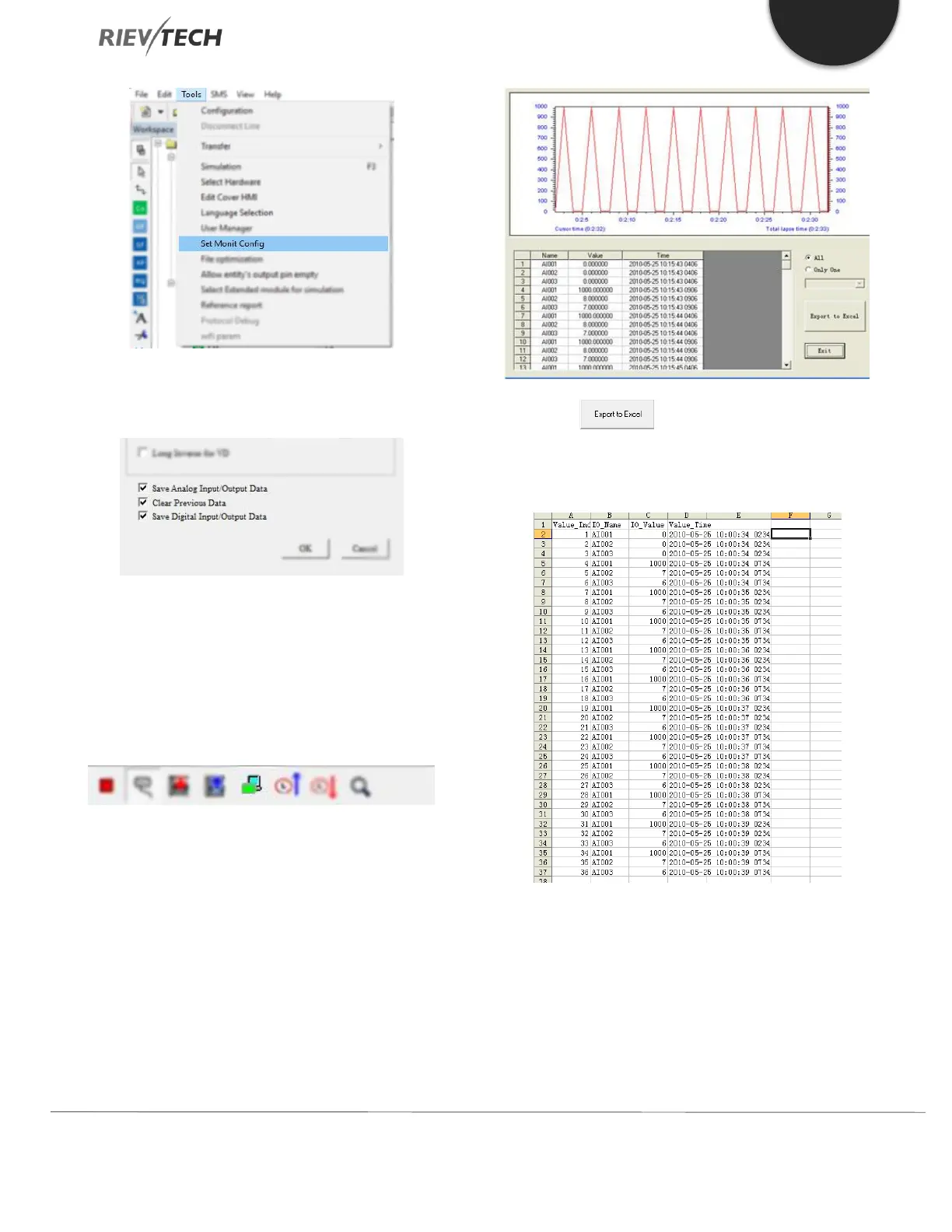
2. Select which data types you wish to save, Analogue,
Digital or Both.
Caution: If the “Clear Previous Data” is selected as well,
then previously saved data will be over-written. Uncheck
this box if you wish to append new data to your existing
historical data.
3. Click here to enter Monitor Mode
4. View the data by clicking View-> Monit AIO or Monit
DIO to view the live data.
5. Click the to transfer data to an Excel file.
The file will contain ALL Analogue or Digital tags, their
data and a time and date stamp.



 To Next Page